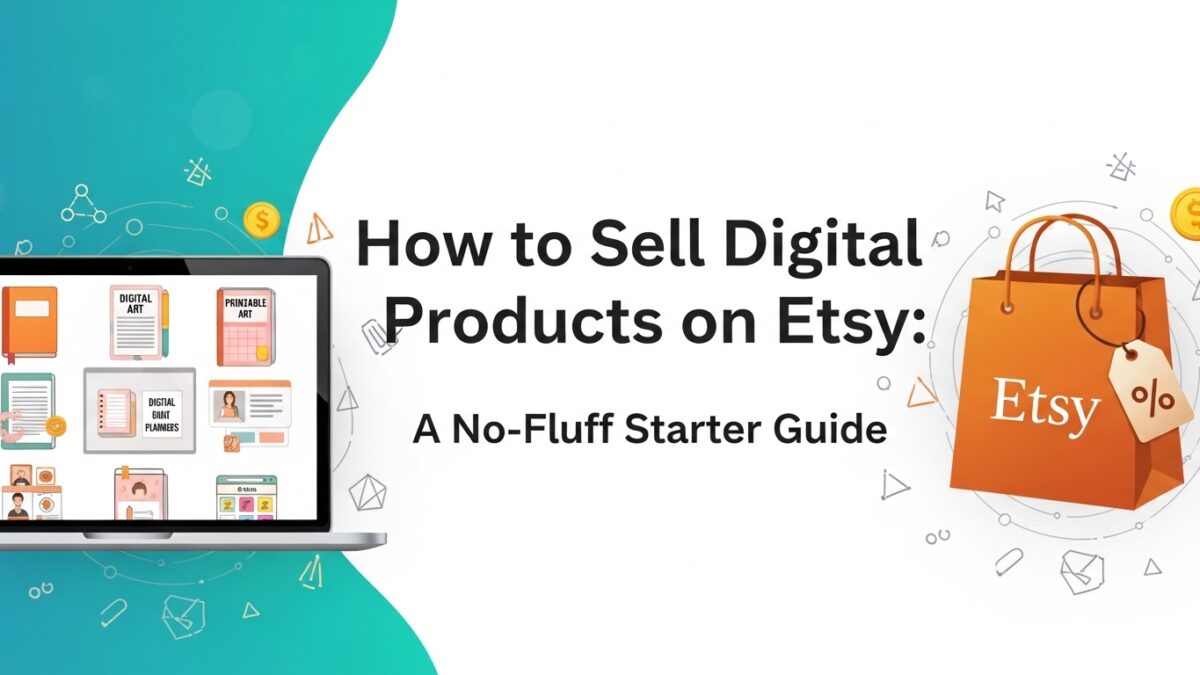
How to Sell Digital Products on Etsy: A No-Fluff Starter Guide
To sell digital products on Etsy: create a downloadable file (PDF, Canva template link, or spreadsheet), open an Etsy shop, write an SEO-optimized listing with keyword-rich title and all 13 tags filled, upload high-quality mockup images, and set your price. Etsy delivers the file automatically after purchase — no shipping needed. Most new sellers see their first sale within 30–60 days, especially when combining Etsy SEO with Pinterest traffic.
Introduction
You’ve probably already done the Googling. You know selling digital products on Etsy is a real thing that real people are making real income from. But when you actually open a new listing form and stare at all those fields — title, tags, description, price — it suddenly feels like you need a whole manual just to get started.
Spoiler: you don’t. The process is more straightforward than it looks. And once you understand how Etsy’s search engine works and what makes a listing actually convert, the path forward becomes pretty clear.
This guide covers every step — from picking your product to writing your listing to driving traffic — without any of the filler. By the end you’ll know exactly what to do and in what order. Let’s get into it.
Just so you know — some links in this post are affiliate links. If you grab something through my link, I may earn a small commission at no extra cost to you. I only share things I genuinely use or love. ✨
Why Etsy Is Still Worth It for Digital Products
Before we get into the how, let’s clear something up — because I see this question constantly. *Is Etsy too saturated for digital products?*
Short answer: no. Longer answer: it depends entirely on how you approach it.
Broad, generic digital products are crowded. “Weekly planner” has thousands of listings. But “weekly planner for travel nurses managing shift rotations” has almost none — and the buyer searching for that specific thing is highly motivated and ready to purchase. Saturation is a positioning problem, not a platform problem.
Etsy brings over 90 million active buyers to the table. These people come specifically to discover and buy things — not to scroll past ads or get distracted by memes. The intent is there. Your job is to put the right product in front of the right search.
Step 1: Choose Your Digital Product
If you haven’t landed on a product yet, here’s a quick decision framework. The best first product sits at the intersection of:
- Something you can create with skills you already have
- A niche with proven demand on Etsy (look for listings with reviews — that’s sales proof)
- A specific enough audience that your listing can rank without fighting ten thousand other listings
Top beginner-friendly categories right now:
- Canva templates (social media, resume, media kits, wedding stationery)
- Printable planners and trackers — always undated
- Educational worksheets and curriculum packs
- Notion templates for specific life stages or professions
- Google Sheets trackers for finance, business, or productivity
- Mini apps — small browser tools in an emerging, low-competition category
Before building anything, search Etsy for your product idea and look at the top listings. Click through and check their reviews — specifically how many they have and how recent. That tells you people are buying. Then look at how their listing is written and ask: how could I serve this buyer better or more specifically?
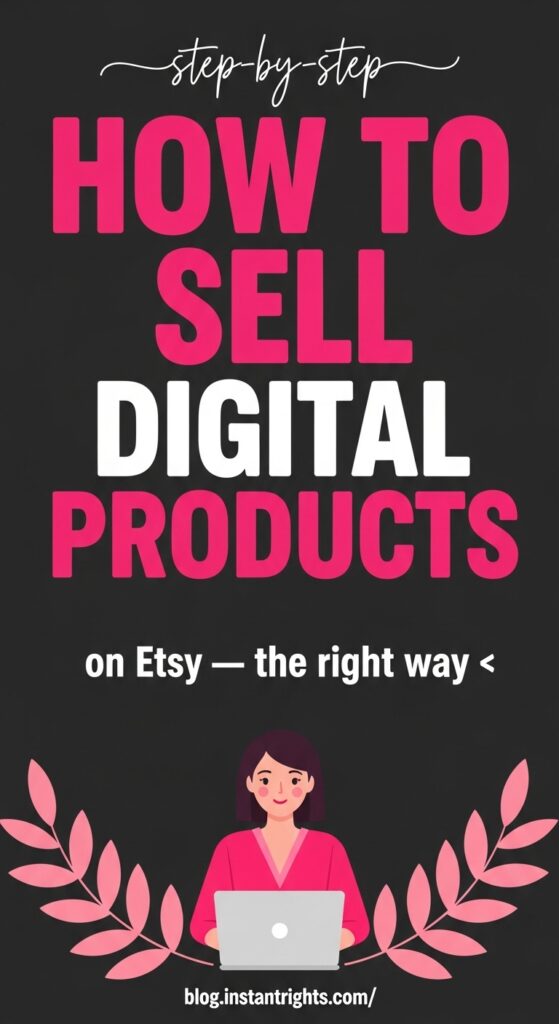
📌 IMAGE PROMPT — IMAGE 1 — TEMPLATE A: DARK BACKGROUND + ILLUSTRATED CHARACTER (portrait 1000×1500px)
Prompt: Bold scroll-stopping Pinterest pin. Deep charcoal (#1E1E1E) background. At the top in clean white handwriting/script font: “step-by-step”. Below in massive ultra-bold hot pink (#FF6B9D) all-caps sans-serif, taking up full width: “HOW TO”. Below in equally massive bold white all-caps sans-serif: “SELL”. Below in the same huge bold white: “DIGITAL”. Below in the same huge hot pink: “PRODUCTS”. Below in medium bold white: “on Etsy — the right way ✨”. Bottom third: a charming flat-design illustrated woman in a bright pink outfit sitting at a laptop, pink botanical leaf branches on both sides framing her, rosy cheeks, a small smile. Very bottom in small white text: “blog.instantrights.com/”. The typography fills 65% of the canvas — it IS the design. Feels like a viral Pinterest tutorial pin in the make-money space.
🖼️ Alt Text: Dark bold pin — how to sell digital products on Etsy step by step
📍 Placement: After Step 1 and Step 2, before the mockup section
Size: 1000×1500px portrait — generate in PinCraft AI or your AI image tool, then upload above this section.
Step 2: Create Your Product File
Your product needs to be a downloadable file that Etsy can deliver automatically after purchase. Here’s what format works best by product type:
- Canva templates — Share via Canva template link, deliver the link in a branded PDF
- Printables and planners — PDF format, sized 8.5×11″ or A4, 300 DPI minimum
- Notion templates — Include a Notion duplicate link inside a PDF instruction guide
- Digital art — High-res PNG or PDF, 300 DPI minimum for print quality
- Google Sheets tools — Share via Google Sheets link delivered in a PDF, or direct XLSX file
- Mini apps — HTML/JavaScript file in a ZIP folder with a one-page instruction PDF
Always include an instruction page. Even if your product feels self-explanatory, a simple “how to access and use this” page dramatically reduces support messages, increases five-star reviews, and makes buyers feel like they got more than they paid for. That’s the experience that gets you repeat customers.
Step 3: Create Mockup Images That Sell
Your listing photos are doing the selling before a single word of your description is read. Most buyers on Etsy make their decision based on the first thumbnail image alone — this is not the place to cut corners.
You don’t need a professional photographer. You need lifestyle-style mockup images that show your product in context. A printable planner displayed on a styled desk with a latte and some flowers converts dramatically better than a screenshot of the raw PDF.
Free ways to create mockups:
- Canva’s built-in mockup frames
- Smartmockups (free tier available)
- Flat lay photos you take yourself on a clean surface
Each of your inline product images can also double as Pinterest pins with a title overlay — which is exactly how the best Etsy sellers are building traffic. I use PinCraft AI (free) to layer real crisp text over my product images so they’re Pinterest-ready without any design time. It’s genuinely one of the better workflow shortcuts I’ve found.
Step 4: Write a Listing That Ranks and Converts
Etsy is a search engine first. Every field in your listing affects where you show up and who finds you. Write for your buyer first, the algorithm second — but understand both.
Your Title
Lead with your most important keyword phrase. Be specific and descriptive. Instead of *”Weekly Planner”* try *”Undated Weekly Planner Printable — Minimal Design — A5 and Letter Size PDF.”* More specific = less competition + better conversion from the right buyers.
Keep your primary keyword in the first 40 characters since that’s what shows in search results before it’s cut off.
Your Tags
You get exactly 13 tags. Use all 13. Think about what your specific buyer would type into the search bar — not broad categories, but actual search phrases. “digital planner for students” is a tag. “planner” is not a useful tag.
Rotate through variations: different word orders, related phrases, long-tail versions of your main keyword.
Your Description
Open with a clear, specific statement of what the product is and exactly who it’s for. Then cover:
- Everything included (file formats, sizes, number of pages or items)
- How they access it after purchase (instant download or template link)
- What software is needed to open or edit it
- Brief usage instructions if relevant
Answer every question before they have to ask it. A buyer who has to message you to ask something basic is a buyer who might not complete the purchase.
Step 5: Price It Properly
New sellers almost always underprice — and it actively hurts their conversions. Buyers on Etsy associate price with quality. A $3 planner and a $15 planner look fundamentally different in perceived value even if the actual quality is similar.
Rough pricing guide for digital products:
- Single printable page: $4–$8
- Printable bundle (5–10 files): $10–$25
- Canva template pack: $15–$35
- Notion template: $12–$47
- PDF guide or ebook: $9–$37
- Google Sheets tracker: $12–$30
- Mini app: $15–$47
Start at the middle-to-higher end of these ranges. You can always run a sale — but it’s very hard to raise prices on an existing listing without affecting your positioning.
If you’re torn between two price points, choose the higher one. The buyers who want the $3 version aren’t your buyers. The buyers who will pay $18 are the ones who will actually use the product, love it, leave you a glowing review, and come back for more.
Step 6: Drive Traffic Beyond Etsy Search
Etsy’s internal search will send you some traffic — eventually. But when your shop is brand new with no reviews and no sales history, Etsy’s algorithm hasn’t learned to trust you yet. External traffic is what bridges the gap while you’re building that history.
Pinterest is the highest-ROI free external traffic channel for Etsy digital product sellers, and the reasons are specific:
- Pinterest is a visual search engine — perfect for product-based content
- Pins have a shelf life of months or years, not hours like social posts
- Pinterest users are in discovery and purchase mode, not just browsing
- One great pin can drive traffic to a listing every week indefinitely
Create a Pinterest board for your shop niche. Make 2–3 pins per product using your mockup images with title text overlays. Write keyword-rich pin descriptions. Pin consistently — even 5 pins a week compounds over time.
Step 7: Get Your First Reviews (They Matter More Than Anything)
Etsy’s algorithm favors listings with reviews. Buyers trust listings with social proof. Your first 5–10 reviews are the most important milestone in your shop’s early life — they unlock better visibility and dramatically increase conversion rates.
How to get there faster:
- Price your first product competitively to drive initial volume
- Deliver an experience that exceeds expectations (clear instructions, fast response to any messages)
- Send a follow-up message after delivery with a genuine thank-you and a gentle review reminder
- Make sure your product actually works exactly as described — no bugs, no missing pages
Never buy fake reviews. It’s against Etsy’s terms, it will eventually get your shop suspended, and frankly it’s not necessary — a good product with a well-written listing will get real reviews.
What Consistent Etsy Sellers Do Differently ✨
The sellers making $500–$2,000 months from Etsy digital products aren’t luckier or more talented. They just do a handful of things consistently that most sellers skip:
They niche down so specifically that their listings feel tailor-made for exactly one type of buyer. They treat their listing SEO like a craft — writing titles and tags based on actual search data, not just what sounds good. And they build an external traffic engine — usually Pinterest — that sends buyers to their listings every week regardless of how Etsy’s algorithm is behaving that day.
The technical side of Etsy is learnable in a weekend. The consistency piece is what actually separates the shops that grow from the ones that stall.
Start the traffic engine now — before you’re even sure your first product will sell. The earlier you start pinning, the more compound traffic you build. PinCraft AI is free and it’s genuinely fast — grab it now and have it ready when your first listing goes live. 🌷
Frequently Asked Questions
Q1: How do I open an Etsy shop to sell digital products?
A: Go to Etsy.com and click “Sell on Etsy.” You’ll choose your shop country, currency, and language, then create your shop name. You’ll need to add at least one listing to open. The whole setup takes about 30–60 minutes and the only cost is a $0.20 listing fee per item.
Q2: Does Etsy automatically deliver digital files to buyers?
A: Yes — for digital listings, Etsy sends the buyer their download link immediately after purchase, automatically. You don’t have to do anything after the initial upload. This is what makes digital products genuinely passive once they’re set up.
Q3: What makes a digital product listing rank higher on Etsy?
A: A combination of factors: relevant keywords in your title and all 13 tags, strong click-through rate (good mockup images), conversion rate (competitive price + complete description), and review count. New listings get a small temporary boost — so your first few days after publishing matter for momentum.
Q4: How long does it take to make your first sale on Etsy?
A: With a well-written listing and some external traffic (especially Pinterest), most sellers see their first sale within 30–60 days. Shops that rely only on Etsy’s internal search with no external traffic can wait 3–6 months for the algorithm to start showing trust.
Q5: Are digital products on Etsy really passive income?
A: Yes and no. Once a product is live and getting traffic, it’s largely passive — Etsy delivers it automatically, no shipping required. But building the traffic (through Etsy SEO and Pinterest) requires ongoing effort, especially in the early months. Think of it as: front-load the work, enjoy the passive income later.
You’re Ready. Seriously.
You now know everything you need to make your first Etsy digital product sale. The steps aren’t complicated — they just require following through.
Three things to walk away with:
- Specific beats broad — every decision from product to listing should serve one clearly defined buyer
- External traffic is the multiplier — don’t wait for Etsy alone to find you
- Your first listing doesn’t need to be perfect — it needs to be live
Go create the product. Write the listing. Make the pins. The first sale is closer than it feels right now.
When you’re ready to start building that Pinterest traffic engine, grab PinCraft AI free here — it’s built specifically for turning product images into ready-to-pin graphics, and it genuinely saves hours every week. 💕
Try PinCraft AI Free Today
Design beautiful Pinterest pins in seconds with AI. Start your free trial — no credit card needed.

Helping creators use AI tools and Pinterest to build digital product income from home.