⚡ QUICK ANSWER: You can now add PayPal payment links directly inside Canva designs, which means you can create a digital product, embed a payment link or QR code, post it to Pinterest, and make sales — with zero website, zero Shopify, and zero Etsy required. For anyone who’s been putting off starting because the tech felt like too much, this setup genuinely lowers the barrier in a way that hasn’t existed before.
Here’s something nobody really warned beginners about: the tech doesn’t have to come first.
For years, the standard advice was build the website, set up the funnel, get on Etsy, figure out Shopify, connect your email list — then start selling. And honestly? That sequence buried a lot of people before they ever made a single dollar. Because by the time they’d done all of that, they were exhausted, overwhelmed, and second-guessing whether they even had a good product idea to begin with.
But Canva just quietly changed the rules. With PayPal payment links now embeddable directly inside Canva designs, the entire path from “I have an idea” to “someone just bought my thing” is shorter than it’s ever been. No checkout pages. No monthly platform fees. No complicated integrations.
This post covers exactly how it works, how to use it with Pinterest traffic for a complete zero-website sales funnel, and — honestly — what you still need to think about before you build your whole business on it.
Just a heads up — some links in this post are affiliate links. If you grab something through my link, I may earn a small commission at no extra cost to you. I only ever share things I genuinely use or love. ✨
📺 More of a watcher than a reader? Totally valid — the full breakdown is here:
The Real Reason Beginners Never Actually Start
If you’ve ever told yourself “I’ll start selling once I have my website set up” — you’re not alone. That sentence has quietly kept more people stuck than almost anything else in the online business space.
And tbh, it makes sense why. Every corner of the internet tells beginners they need a full ecosystem before they’re “ready.” A Shopify store. A funnel. An email sequence. A website with a checkout page. A branded domain. The list keeps growing and nothing ever gets launched.
But here’s what actually happens when buyers have to click through multiple steps to purchase something: they leave. They get distracted. They forget. They overthink. Every extra click between “I want this” and “I bought this” costs you a sale. That’s not an opinion — that’s just how attention works online.
The friction is the problem. And for a long time, beginners had to accept that friction as the price of selling online.
That’s changing.
What Canva’s PayPal Feature Actually Does
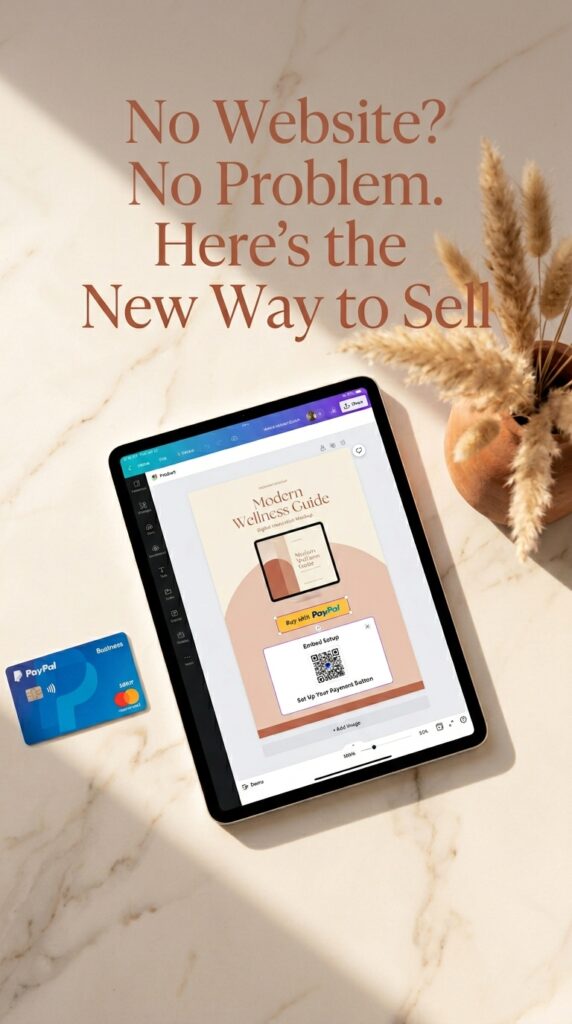
Canva now lets you generate a PayPal payment link and embed it — or a scannable QR code — directly into your Canva design. That means the product and the purchase can live in the same place.
Here’s what that looks like in practice: you design your digital product (or a pin promoting it) inside Canva, drop in your PayPal QR code, and post it. Someone finds your design, scans the code, pays through PayPal, and gets the product. Start to finish.
No separate checkout page. No third-party platform taking a cut. No monthly subscription.
The Part Most People Are Setting Up Wrong
Pay close attention to the QR code step specifically — because this is where a lot of people accidentally create friction instead of removing it. If your QR code sends someone to a PayPal login screen before they can see the product details, you’ve already lost half of them. Make sure your payment link is configured to show a clean, simple checkout experience that works on mobile. Most Pinterest traffic is mobile, full stop.
✨ FRIEND TIP: When you generate your PayPal payment link, use the “Goods and Services” option — not “Friends and Family.” It gives buyers purchase protection, which builds trust, and it keeps you protected if a dispute ever comes up. Small detail, real difference.
The Pinterest Funnel Nobody Told You About
Here’s where this gets genuinely exciting — especially if you’re already using Pinterest (or you’ve been thinking about it).
Pinterest is one of the few platforms where content keeps working long after you post it. A pin you create today can drive traffic six months from now. Combine that with a frictionless payment setup, and you’ve got something that runs quietly in the background without you having to show up every day.
Here’s the exact flow that makes it work:
Step 1 — Create your digital product in Canva. Worksheets, templates, planners, guides — anything that can be delivered digitally works.
Step 2 — Design Pinterest pins promoting the product. Portrait format, 1000×1500px, with a scroll-stopping headline and a clean visual.
Step 3 — Embed your PayPal QR code directly on the pin. So when someone saves and revisits your pin, the purchase option is already there.
Step 4 — Post consistently and let Pinterest’s search algorithm do its thing. Pinterest users are actively looking for things to buy. They’re already in buying mode — you’re just meeting them there.
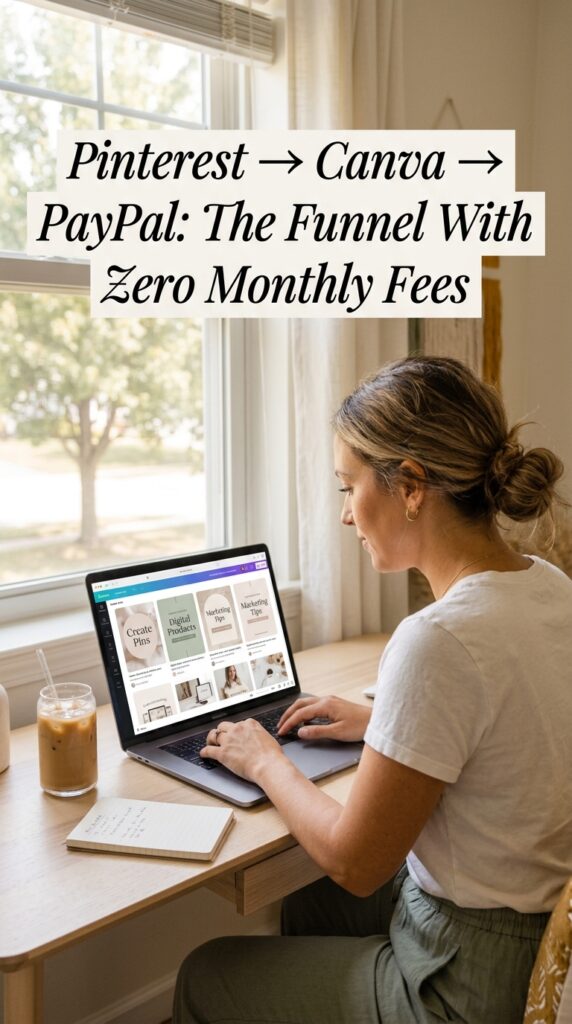
That’s it. Pinterest → Canva → PayPal. A complete sales path with no website, no Shopify, no monthly fees.
The part I honestly wasn’t expecting? How fast you can get from “I have an idea” to “this is live and findable.” We’re talking an afternoon, not a month.
Why Consistent Pinning Is Still the Hard Part
Ngl, even with all the right pieces in place, most people hit a wall when it comes to actually posting Pinterest content consistently. You run out of ideas. You’re not sure what to write for descriptions. You spend 45 minutes on one pin that probably five people will ever see.
That’s the part of Pinterest marketing that doesn’t get talked about enough.
I built PinCraft AI specifically because I needed it myself. It generates Pinterest titles, descriptions, and visual concepts in about 60 seconds — so you can batch your content without the blank-screen spiral that kills most people’s momentum.
Honestly, I built it out of necessity. Posting consistently is what makes Pinterest work, and posting consistently is what burns people out. PinCraft closes that gap. If you want to try it, there’s a free trial — link is below whenever you’re ready.
✨ FRIEND TIP: Batch your Pinterest content one day a week instead of creating individual pins daily. Spend 90 minutes on Mondays creating and scheduling a week’s worth of content. Your future self will love you for it — and your Pinterest account will grow faster because consistency compounds.
The Honest Part (Because You Deserve This)
Hot take, but: the best advice I can give you is to also hear what this setup isn’t.
It’s not your long-term infrastructure. And building your whole business on it long-term would be a mistake.
Canva can change or remove this feature. PayPal has its own rules and restrictions that can affect your account without much warning. And selling through someone else’s platform — whether it’s Canva, Etsy, or anywhere else — means you’re always one policy update away from disruption.
I learned that the hard way. I lost access to a Pinterest account that had grown to 1.7 million monthly impressions. Overnight. Gone.
So here’s how to think about this: use it to start. Use it to test whether your product idea actually sells before you invest weeks of your life building a website. Use it to make your first few sales and build your confidence. Then, once you’ve validated the idea, invest in your own website, your own email list, your own customer relationships — things you actually own and control.
This is a starting point. A really good one. But it’s not a finish line.
✨ FRIEND TIP: Before you spend any time building infrastructure, test your product idea with this Canva + PayPal method first. If people buy it without a website — and they will if the product solves a real problem — then you know it’s worth investing in the full setup. Validation first, always.
What Becomes Possible When You Actually Start
Here’s what the other side of “I’ll start once I have everything set up” looks like:
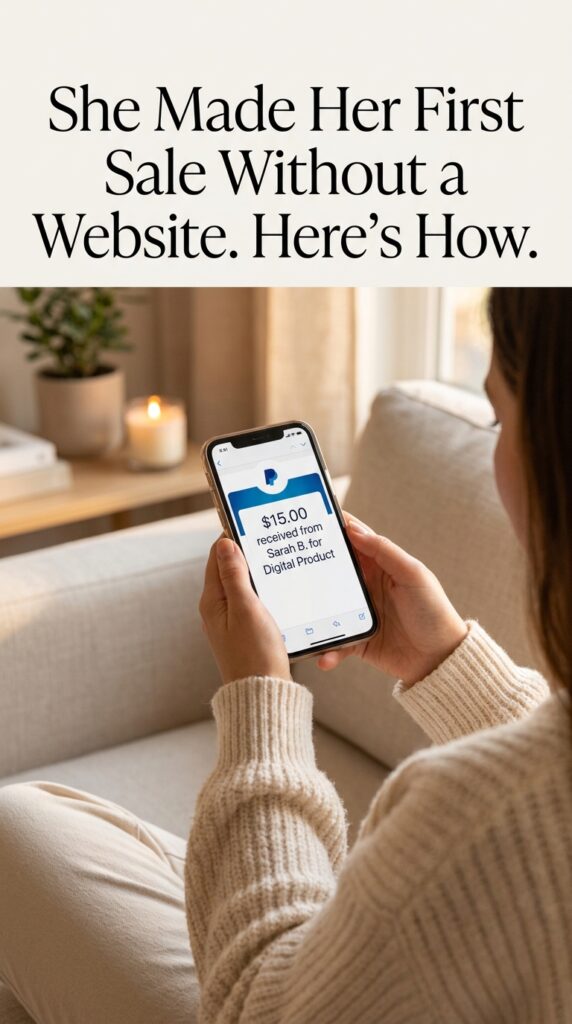
Someone scrolling Pinterest at 11pm finds your pin. They scan the QR code. They pay $17 for your digital template. You get a PayPal notification in your sleep.
That’s not hype. That’s how digital products work when the friction is removed. Sellers in this niche — regular people with no team, no ad budget, and no big platform — are generating anywhere from a few hundred to a few thousand dollars a month from products they created once and sell repeatedly.
The difference between them and everyone still “getting ready” isn’t talent. It’s that they started before everything was perfect.
This Canva + PayPal setup is legitimately one of the lowest-friction ways I’ve seen to do that. If you’ve been sitting on a product idea, this is the nudge.
You Know More Than You Did 10 Minutes Ago
And that’s genuinely the whole point.
The “I don’t have a website yet” excuse? Canva just quietly retired it. You now have a real path from idea to sale that doesn’t require a single monthly subscription, a single line of code, or a single checkout page build.
Here’s what to take away from all of this:
1. Canva + PayPal is a real, functional starting point. Not a hack or a workaround — an actual sales setup that works.
2. Pinterest is still one of the best free traffic sources for digital products. It’s search-based, buyer-intent-driven, and your content keeps working long after you post it.
3. Start before you’re ready, then build from there. Validate the idea. Make the first sales. Then invest in infrastructure you own.
If you want the Pinterest strategy that got me to 1.7 million monthly impressions, the free Pinterest Viral Blueprint covers it — grab it below whenever you’re ready.
And when you’re ready to stop guessing what to pin and start batching content in 60-second rounds, PinCraft AI has a free trial waiting for you.
The door is open. No pressure. But it’s there. ✨
❓ Frequently Asked Questions
Q1: Can I really sell digital products without a website or Etsy account? Yes — Canva’s PayPal integration makes it possible to embed a payment link or QR code directly into a design. When someone scans the code, they’re taken straight to a PayPal checkout. You don’t need a website, Etsy shop, or Shopify store to make it work. It’s genuinely one of the simplest setups available for beginners in 2026.
Q2: How do I add a PayPal payment link to a Canva design? Generate a PayPal.me payment link or a “Goods and Services” payment request from inside your PayPal account first. Then convert that link into a QR code (free QR code generators work fine), download it, and add it to your Canva design as an image. Make sure the QR code links to a clean, mobile-optimized checkout — most Pinterest traffic comes from phones.
Q3: Is this method worth trying if I’m a complete beginner with no audience? Honestly, yes — especially because you’re a beginner. The whole point of this setup is to validate an idea before you invest serious time or money. You don’t need an audience to post on Pinterest; you need good keywords and consistent pinning. If the product solves a problem people are searching for, it can find buyers organically.
Q4: How is this different from selling on Etsy? Etsy charges listing fees, transaction fees, and payment processing fees, and their search algorithm controls how many people see your products. The Canva + PayPal method has no platform fees and no algorithm gating your visibility. The trade-off is that you’re responsible for driving your own traffic — which is where Pinterest comes in.
Q5: How long before I can realistically expect my first sale with this method? That depends heavily on how consistently you pin and how well your product matches what people are searching for. Some people make their first sale within the first few weeks of consistent pinning; others take a couple of months. The variables are product-market fit, keyword strategy, and posting consistency. Starting with a product that solves a specific, searchable problem significantly shortens the timeline.
Try PinCraft AI Free Today
Design beautiful Pinterest pins in seconds with AI. Start your free trial — no credit card needed.

Helping creators use AI tools and Pinterest to build digital product income from home.