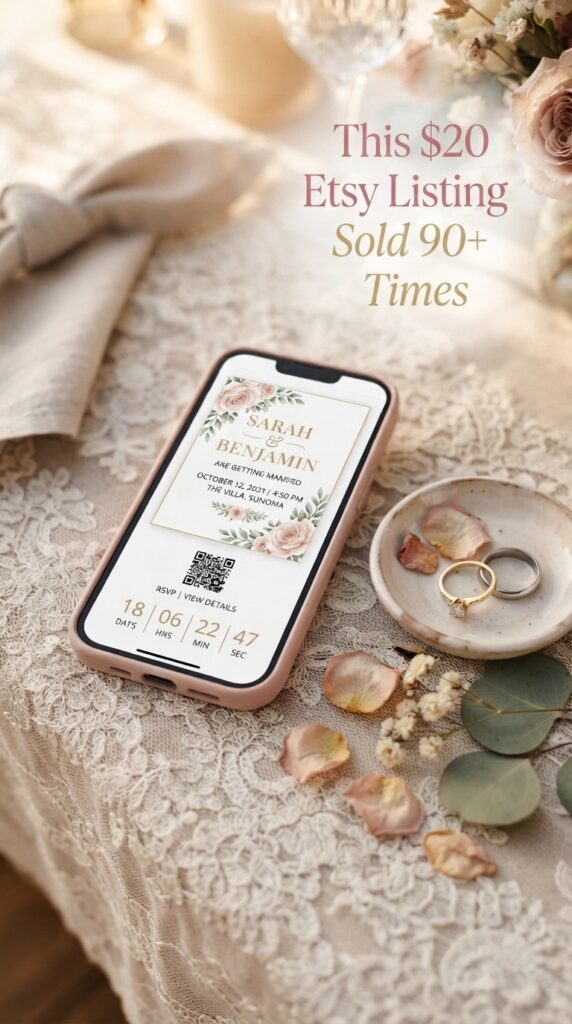
I went digging into Etsy recently, curious whether digital wedding invitations were actually worth anyone’s time, and what I found genuinely surprised me. Animated invitations, the kind with music and a countdown timer, are quietly selling over and over for $15 to $30 each. One listing I found had 166 sales in nine months. Another was sitting at 93 sales in just two months. A lot of the top performers were only a couple months old, which told me this wasn’t some saturated, played-out niche.
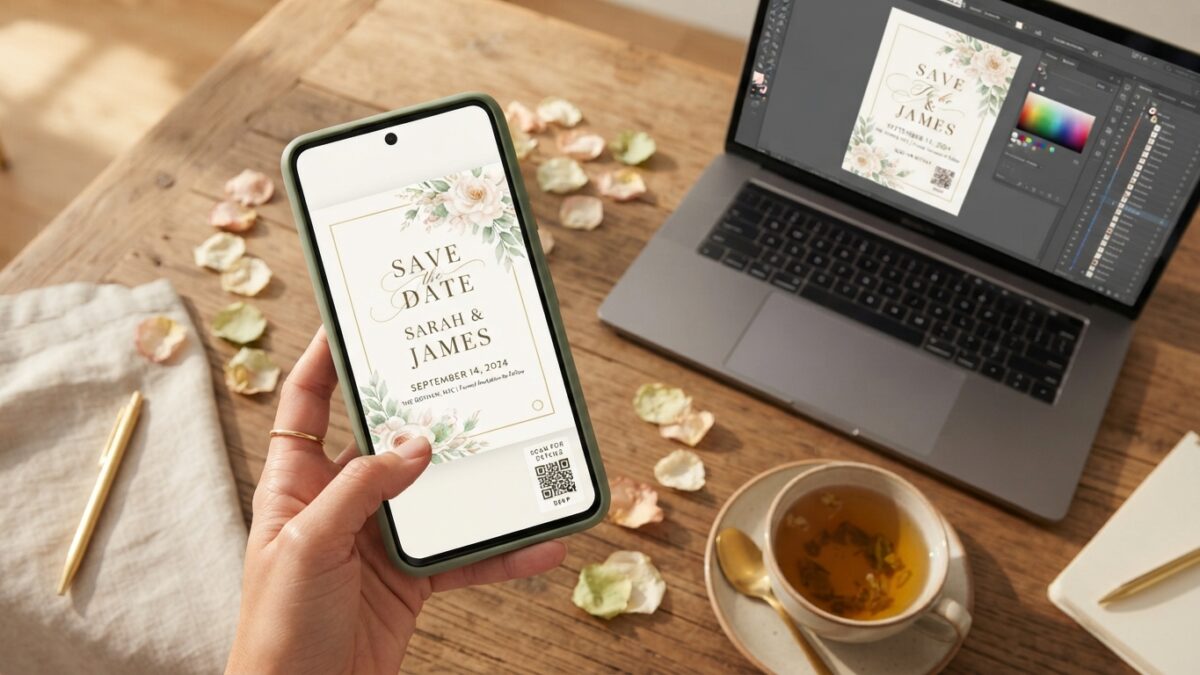
What caught my attention most is the QR code detail. A single scan can send a guest straight to an RSVP form, the couple’s wedding website, a gift registry, or even a shared photo album — a genuinely useful feature buyers are willing to pay a premium for over a plain static invite.
So I built one myself, start to finish, using Claude to handle the design and structure. I’ve got a full video walkthrough of the whole process if you want to watch it built in real time, but here’s the breakdown of how it actually works and how I’d approach making your own.
Why “Just Another Etsy Product” Feels Overwhelming
If you’ve thought about starting an Etsy shop before and never actually did it, you’re honestly not alone. The printable and template space feels completely saturated at first glance, and it’s easy to assume every good idea is already taken.
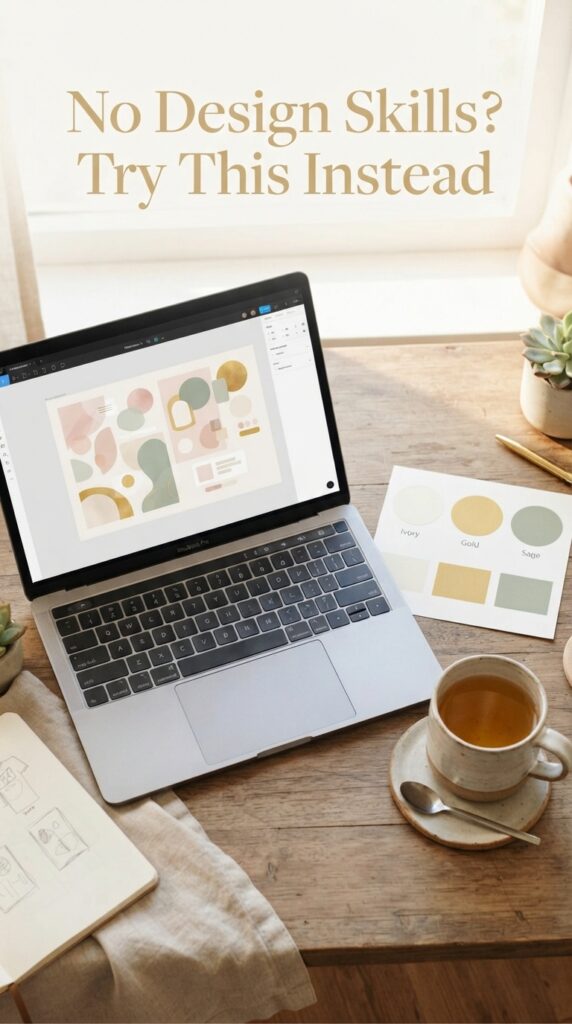
You’ve probably also assumed something like an “animated invitation” requires actual design or coding skill you don’t have. That assumption is exactly what’s kept this specific niche from getting crowded yet, even though the demand is clearly there.
But here’s the thing though — the animation and interactive pieces are a lot more buildable with AI assistance than they look from the buyer’s side.
What Makes This Product Different From a Regular Printable
A static printable invitation gets downloaded, printed, and that’s the end of the interaction. An animated digital invitation with a QR code keeps working after the download — guests scan it, RSVP through it, and the couple can track responses coming in, which is a genuinely different value proposition.
When I sorted Etsy’s wedding invitation listings by newest and by bestseller, the pattern was pretty clear: newly listed digital invitations were already pulling real sales fast, not slowly building an audience over years. One two-month-old listing had already hit 40 sales. That’s demand showing up in real time, not a niche you’d be first into but also not one that’s tapped out either.
The features that actually justify a higher price point:
- Gentle animation (falling petals, soft transitions) instead of a flat static image
- Background music that can be toggled on or off
- A working countdown timer to the wedding date
- A QR code linking to an RSVP form, registry, or wedding website
Prefer to watch instead of read? Here’s the video version of everything below:
Building Your First One Without a Design Background
This is genuinely the part that surprised me most about building my own. I set up a free Google Form first for the RSVP, since that’s the actual destination the QR code needs to point to, then took that link into Claude and described the invitation I wanted — the mood, the countdown timer, a toggleable music player, the whole thing.
My actual process, start to finish:
- Set up a free RSVP form first so you have a real, working link for the QR code
- Pick one color palette to start (ivory and gold, sage green, and dark moody are all popular right now)
- Describe the mood and features you want clearly to Claude, and expect to refine it over a couple of tries
- Test the QR code yourself on your phone before listing anything
“This Sounds Too Technical for Me”
I get that reaction, because I had it too. The honest truth is you’re not writing code here — you’re describing what you want in plain language and refining from there. My first attempt didn’t include the background image I wanted, and the QR code needed a second pass to actually generate correctly. That’s a completely normal part of the process, not a sign you’re doing it wrong.
Turning One Design Into a Real Etsy Product Line
The genuinely smart move here isn’t stopping at one invitation. List the same base design in three or four color variations, since each variation is essentially a separate passive income stream once it’s built. A bride searching “sage green wedding invitation” and one searching “gold wedding invitation” are two different searches you can both capture with minor tweaks to the same core design.
Once you’ve got a few listings live, Pinterest is genuinely where this product line comes alive, since brides spend hours there planning every detail of their wedding. I use PinCraft AI to batch-generate pin titles and descriptions for each variation instead of writing captions one at a time, which keeps everything consistent without eating a whole afternoon. And if you want the exact traffic strategy for getting a new digital product in front of buyers fast, the 2026 Pinterest Viral Blueprint walks through precisely that.
What It Feels Like Once a Few Listings Are Live
Picture having three or four invitation variations live on Etsy, each one quietly picking up sales from brides who found you through a Pinterest pin you made once and never touched again. That’s genuinely the appeal of a digital product like this — no printing, no packaging, no reprint costs when a listing sells for the hundredth time.
It’s not a guaranteed overnight thing, but the mechanics genuinely favor you here: buyers are already searching for this exact format, and each sale costs you nothing extra to fulfill.
If You Want to Go Deeper Than One Product
Wedding invitations are just one version of this idea — the same basic process works for generators, planners, and other interactive digital products, not just invitations. I’m building something around exactly that called the AI Digital Product Lab, for anyone who wants to learn the full process behind creating and selling these kinds of tools without any coding. I’ll be building it in public, so you’ll see the exact process as it happens. The waitlist is open now, with early bird pricing for anyone who joins before doors open.
You Have Everything You Need to Try This
You now know the actual shape of this idea: animated, interactive invitations solve a real problem plain templates don’t, AI handles more of the technical build than you’d expect, and one good design can multiply into several listings with small variations.
Start with one color palette and one working RSVP link, and see how it feels to have your first listing live. And whenever you’re ready to get real traffic flowing to it, the 2026 Pinterest Viral Blueprint is exactly the system I’d point you toward. No rush — it’ll be there when you’re ready. ✨
❓ Frequently Asked Questions
Do I need design experience to make a digital wedding invitation?
No — AI tools can help generate the layout and animation when you describe what you want clearly. Expect a few rounds of refining before it looks the way you pictured.
How does the QR code actually work on a digital invitation?
It links to whatever page you choose, most commonly an RSVP form, wedding website, or registry. Guests scan it with their phone camera and go straight there.
Where should I sell digital wedding invitations?
Etsy is the most common starting point since buyers are already searching there, though platforms like Gumroad work too if you’re driving your own traffic through Pinterest or a blog.
How many design variations should I make?
Three or four color palette variations of the same base design is a good starting point, since each one can capture a slightly different search a bride might use.
Is this actually a passive income product, or does it need ongoing work?
Once a listing is live, each sale requires no extra work from you since it’s a digital download. The main ongoing effort is promotion, not fulfillment.
Try PinCraft AI Free Today
Design beautiful Pinterest pins in seconds with AI. Start your free trial — no credit card needed.

Helping creators use AI tools and Pinterest to build digital product income from home.