
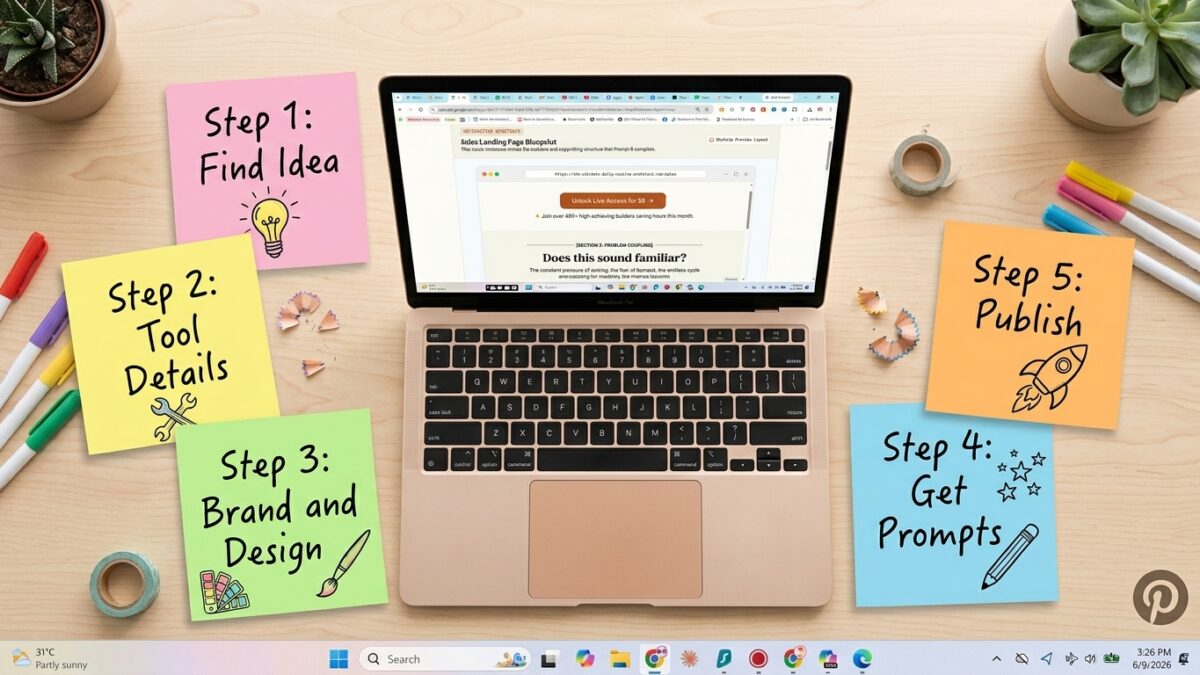
If you have ever sat staring at a blank screen wondering how on earth people are building and selling these slick little interactive tools online, I want you to know something — I was exactly where you are not long ago.
I had built a couple of digital products before. Printables, mostly. Pretty designs that people downloaded once and, if I am honest, probably never opened again. They sold occasionally. But they never felt like assets. They felt like one-time transactions that disappeared into someone’s downloads folder.
Then I built my first interactive tool — the Sticker Prompt Generator — and everything shifted.
Suddenly I had something people used. Something they came back to. Something they told other people about. And the strangest part? It did not take me months of learning to code. It took an idea, a free AI tool, and a process I figured out through a lot of trial and error.
That process is exactly what I have packaged into the Sell Your First AI Tool — Studio, and today I want to walk you through what it actually does, who it is for, and why I genuinely believe this is one of the most accessible ways to start building digital products right now.
The Problem With How Most People Try to Start
Here is what I see happen over and over again, both with myself in the past and with people I talk to.
Someone decides they want to sell digital products. They have heard it is possible to make passive income online. They are excited. Then they sit down to actually start, and within minutes they hit a wall.
What do I even build?
How do I make it look professional if I cannot design?
How do I actually code something interactive?
Where do I even put it once it is done?
Each of those questions on their own is not impossible to answer. But stacked together, they create a kind of paralysis. You open a blank document. You close it. You watch a few YouTube videos. You bookmark them for later. Weeks pass. The idea is still just an idea.
I know this because I lived it. And the thing that finally broke me out of it was not more research. It was a process — a specific sequence of steps that removed the guesswork at every stage.
What the Sell Your First AI Tool — Studio Actually Does
The studio is a guided, five-step browser-based tool. You do not install anything. You do not need any technical background. You open it, and it walks you through the entire journey from “I have no idea what to build” to “I have a live tool that people can buy.”
Here is what each step looks like.
Step 0 — Find Your Idea
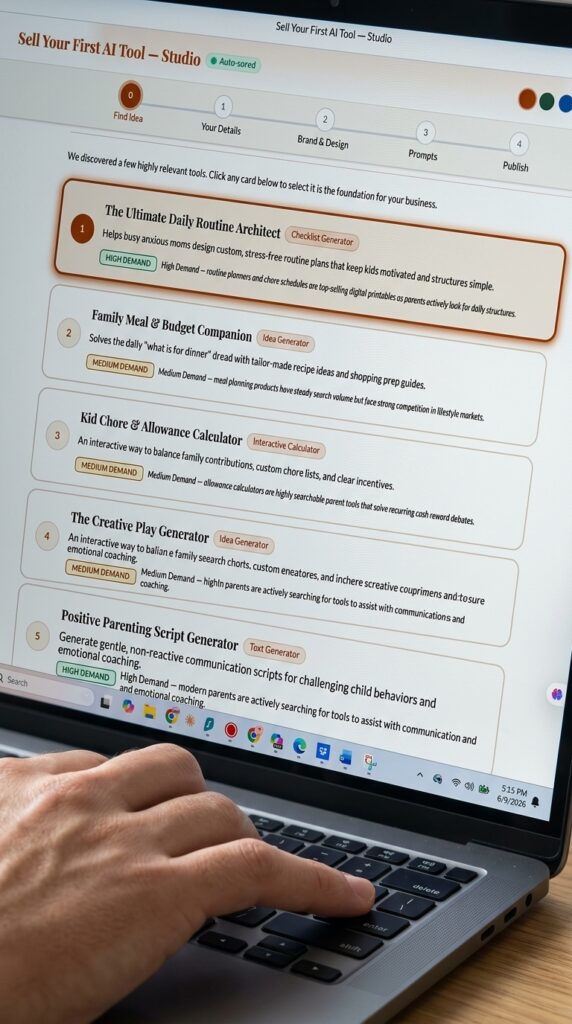
This is where most people get stuck before they even start, so the studio handles it for you. You answer three simple questions about who your audience is, what problem they have, and where you want to sell. Within seconds, the studio generates five tailored tool ideas — each one tagged with a demand level so you know which ideas are worth pursuing and why.
This step alone solves the single biggest blocker I see people face. You are not starting from nothing. You are choosing from options that have already been shaped around your specific audience.
Step 1 — Your Details
Once you have picked an idea, you refine it. You describe how your tool works in plain language, define your target customer, and set up the categories or sections your tool will include. You can drag to reorder, add new categories, or remove ones that do not fit. This step is where your idea starts to feel like your product, not a generic template.
Step 2 — Brand and Design
This is the step that makes your tool feel like it belongs to you. You choose your colour palette — either your own brand colours or one of several pre-built palettes designed for different vibes, from soft and friendly to playful and bold. You also choose the overall feeling you want your tool to have. All of this gets baked directly into what comes next.
Step 3 — Your Prompts
Here is where the magic happens. The studio generates two complete, detailed AI prompts.
The first prompt builds your actual interactive tool. The second builds your sales page. Both are written specifically based on everything you entered in the previous steps — your idea, your categories, your brand colours, your target customer. These are not generic prompts. They are tailored documents ready to hand to an AI.
You copy the first prompt, paste it into Google AI Studio — which is completely free to use — and the AI writes your entire tool as a working HTML file. Then you do the same with the second prompt to generate your sales page.
If something does not come out quite right on the first try, the studio also includes built-in correction instructions so you can quickly fix and regenerate until it works.
Step 4 — Publish
The final step walks you through getting your tool live on the internet using GitHub Pages, which is free. You will have your tool sitting at a real, shareable URL within about ten minutes of finishing this step. There is also a downloadable launch checklist so nothing slips through the cracks between “I built this” and “this is live and for sale.”
Why Interactive Tools Are Different From Printables
I want to spend a moment on this because it is the part that genuinely changed how I think about digital products.
A printable is static. Someone buys it, downloads a PDF, prints it or saves it, and that is the end of the interaction. There is nothing to come back to.
An interactive tool is a completely different experience. Someone opens it in their browser, enters their own information, and gets a result that is theirs. A meal plan built around their family. A set of journal prompts matched to their mood. A chore chart with their child’s actual name on it.
That personalisation creates a different relationship between the buyer and the product. People do not just use these tools once — they bookmark them, return to them, and recommend them to others because the value feels ongoing rather than one-time.
From a seller’s perspective, this also means your product works on every device without any extra effort. Phone, tablet, laptop — it just works in a browser. No file formats to worry about, no “I cannot open this on my iPad” messages from buyers.
Real Examples — Tools Built Using This Exact Method
I do not want this to feel theoretical, so let me show you what this actually looks like once it is finished, because both of these were built using the same process the studio walks you through.
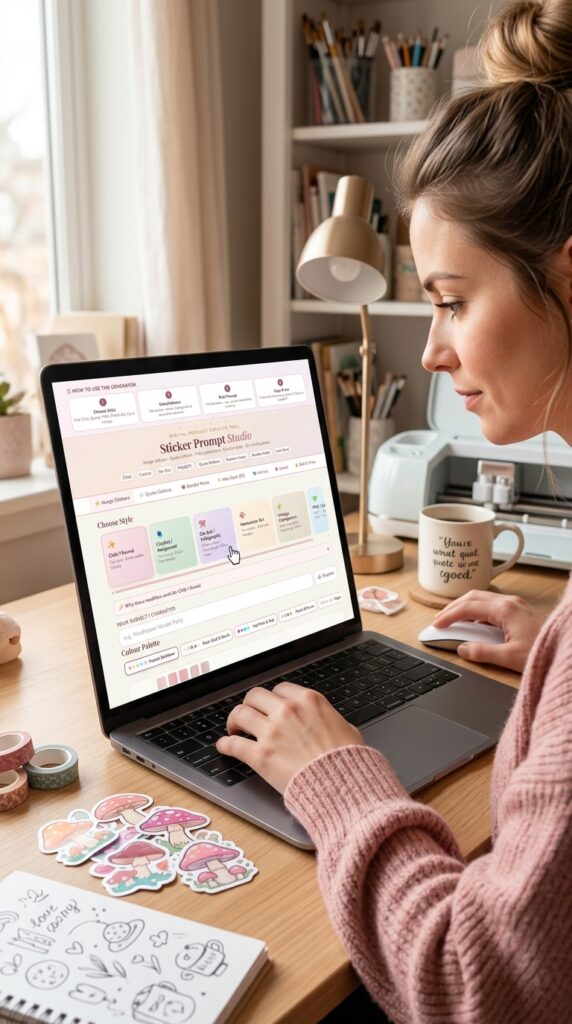
The Sticker Prompt Generator helps Etsy sellers and craft creators generate detailed AI image prompts for sticker designs. You pick a style, type your subject, choose a colour palette, and it builds a complete prompt ready to paste into Midjourney, Canva AI, or Adobe Firefly. It has been live and selling steadily since launch.
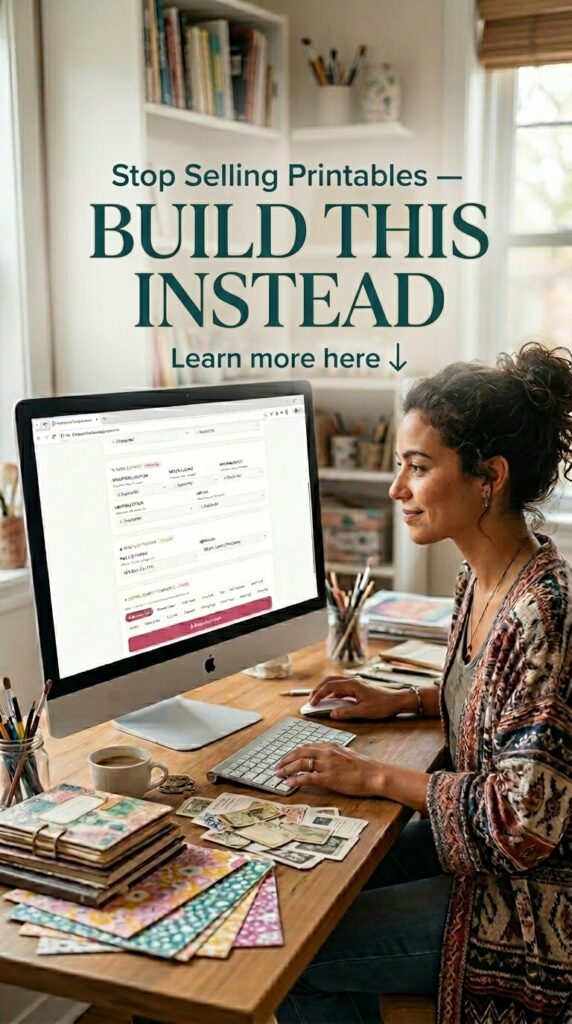
The Junk Journal Prompt Generator does something similar for the junk journal community — generating detailed prompts for unique journal page spreads, ephemera, and backgrounds based on theme, mood, and layout preferences.
Both of these started exactly the way the studio guides you — an idea, a set of prompts, an afternoon of building, and a sales page to match.
Who This Is Really For
I want to be honest about this because I do not think every product is for everyone.
This is for you if you have been wanting to sell digital products but keep getting stuck before anything actually gets built. It is for you if you tried printables and found the design work slow and the returns inconsistent. It is for you if you are comfortable copying and pasting text but have no interest in learning to code. And it is for you if you want something live this weekend — not “someday,” not “when things calm down,” but genuinely this weekend.
It is probably not for you if you are looking for someone to build the tool for you while you watch, or if you are not ready to actually sit down and spend a few focused hours on it.
Get 100 Tool Ideas to Start With — Free
If you are reading this and thinking okay, but what would I even build, I have something that will help.
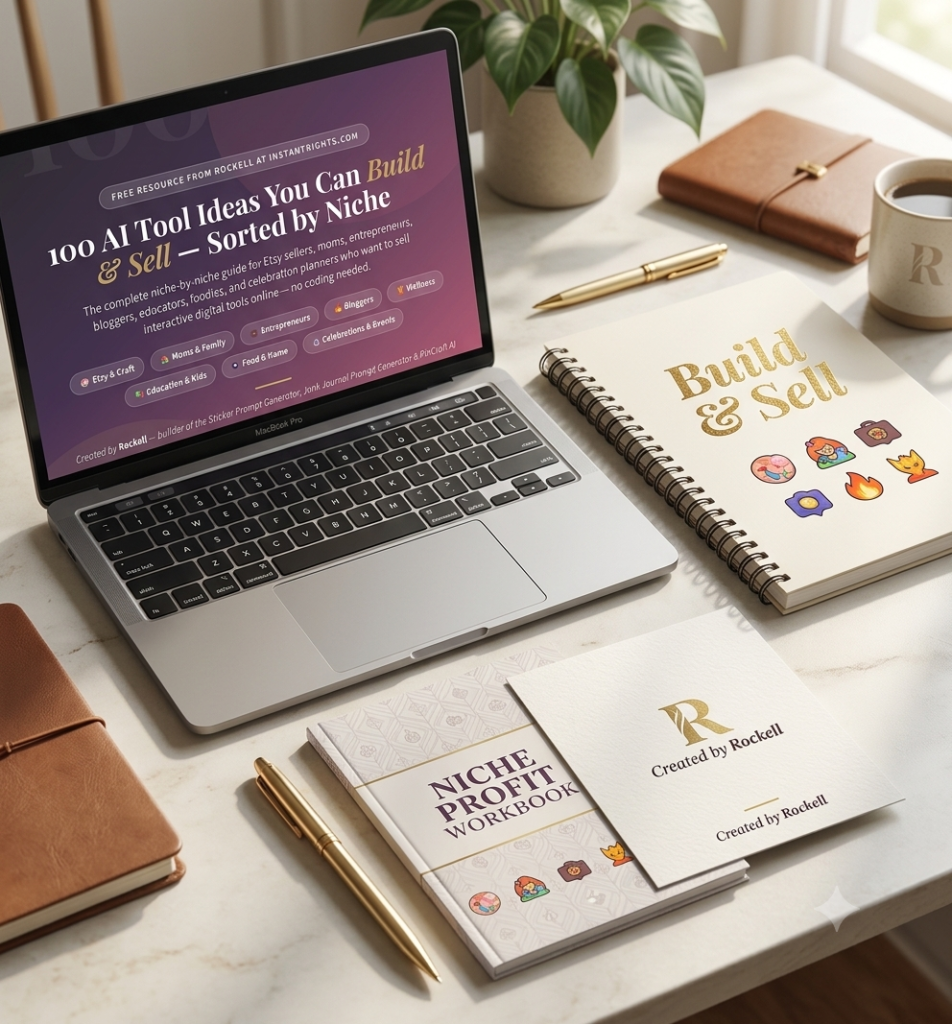
I put together a free guide called 100 AI Tool Ideas You Can Build and Sell — Sorted by Niche (insert your hosted lead magnet link here). It covers eight different niches — Etsy and craft sellers, moms and family, entrepreneurs, bloggers, wellness, education, food and home, and celebrations and events — with twelve to fourteen specific tool ideas in each category. Every idea includes a description of how the tool would work and why it is likely to sell.
Download it, find the idea that excites you most, and then bring that idea straight into the studio.
Your Weekend Starts Here
Here is what I want you to take away from all of this. Building and selling an interactive digital product is not reserved for people who can code, or people who have been doing this for years, or people with a big audience already. It is reserved for people who are willing to follow a process and actually finish it.
The Sell Your First AI Tool — Studio is that process, condensed into five steps and priced at $19. If you have an idea sitting in the back of your mind that you have been meaning to “get to eventually,” this weekend could be when eventually finally arrives.
And if you would rather have someone walk through it with you live, I also offer Build With Me sessions where we sit down together and get your tool built and published in real time.
You do not need permission to start. You just need a place to begin. Consider this it.
Got questions about the studio or want to share what you built? Reach out anytime at instantrights.com — I would love to hear about it.
Try PinCraft AI Free Today
Design beautiful Pinterest pins in seconds with AI. Start your free trial — no credit card needed.

Helping creators use AI tools and Pinterest to build digital product income from home.