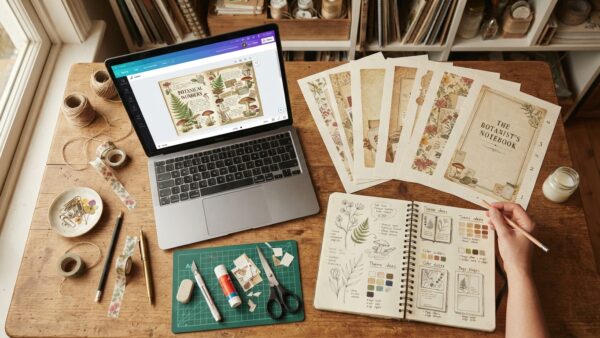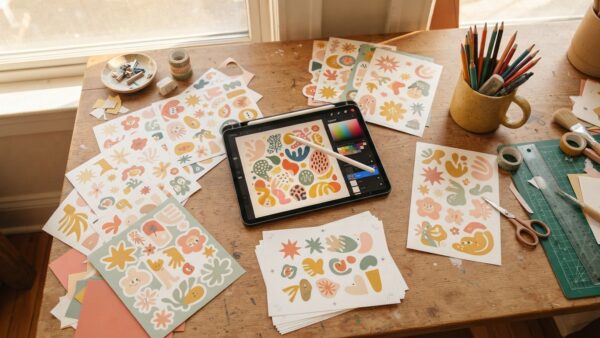
Okay, real talk — I used to think “digital product” just meant printable. A cute PDF, a Canva template, maybe a planner insert. I made a bunch of them. Some sold three copies. Some sold zero. And every single one took hours to design for basically nothing back.
Then I found a completely different category of product — one I’m lowkey annoyed I didn’t try sooner. Not something people download once and forget, but an actual tool people open, use, and come back to. And you don’t need a single line of coding knowledge to build one. You can have it live and listed for sale by Sunday night, which sounded fake to me until I did it myself.
That’s exactly how my Junk Journal Prompt Generator and my Sticker Prompt Studio came to exist. Same weekend, same method, both still live right now. Here’s exactly what that process looks like, step by step, plus the system that made it possible.
If Printables Have Started to Feel Like a Dead End
If you’ve been making printables for a while, you probably know this feeling already. You spend a weekend designing something genuinely pretty — nice fonts, cohesive palette, the whole thing. You upload it to Etsy or Gumroad. And then… crickets. Maybe three sales. Maybe none.
You’re honestly not alone in that. Printables are everywhere right now, buyers scroll past them fast, and there’s not much reason for anyone to come back to a PDF once it’s downloaded. You’ve probably also spent way too many nights researching “how to sell digital products” without actually building anything, because the whole idea of making a tool sounded like something for people who went to coding school.
But here’s the thing though — that part isn’t actually true anymore.
Why an Interactive Tool Beats Another Printable
An interactive tool gets used again and again — that’s the entire difference nobody explains clearly. Someone who buys a prompt generator opens it back up next week, and the week after that, because it gives them something new every single time they click.
That repeat use is the whole game. It’s why a $17 tool can quietly outperform a $7 printable that got downloaded once and forgotten in someone’s files folder. Buyers also just perceive tools as higher value, so you’re not stuck racing to the bottom on price the way most printable sellers end up.

The Weekend Method (No Coding, I Promise)
This is the part that surprised me most. Sell Your First AI Tool — Studio isn’t a course you sit through — it’s a guided studio you open in your browser and answer a handful of questions inside. By the end, it hands you two complete prompts: one that builds your actual interactive tool, and one that builds the sales page to go with it.
You take those two prompts over to Google AI Studio, which is free, paste them in, and the AI does the heavy lifting on writing the actual tool and the page. Then you get step-by-step publishing instructions and a launch checklist so you’re not left guessing what to do once it’s built. This is the exact process behind both the Junk Journal Prompt Generator and the Sticker Prompt Studio — both live, both selling, right now.
“But I’m Not Techy Enough for This”
I said the exact same thing to myself for months, ngl. Here’s the honest answer: if you can answer a few guided questions and copy-paste text into a box, you can do this. You’re not writing any code yourself — the studio and the AI handle that part. Your job is just deciding what your tool actually does, which the studio walks you through one step at a time.
Launch price sits at $19 right now (down from $37), which is roughly what a lot of people spend on a single design app subscription for a month — for a system that gets you from idea to live product.
Where the Junk Journal and Sticker Tools Fit In
If you’ve been following along with the Junk Journal Prompt Generator, this is the origin story. Same weekend method, same studio, same “answer questions, get prompts, paste them in” process — just applied to a different niche each time. The Junk Journal Prompt Generator turns a blank-page problem into instant AI-generated journal page ideas, and the Sticker Prompt Studio does the same thing for sticker designers who keep hitting a wall on what to make next.
Both started as a Saturday afternoon experiment. Neither needed a single line of code.
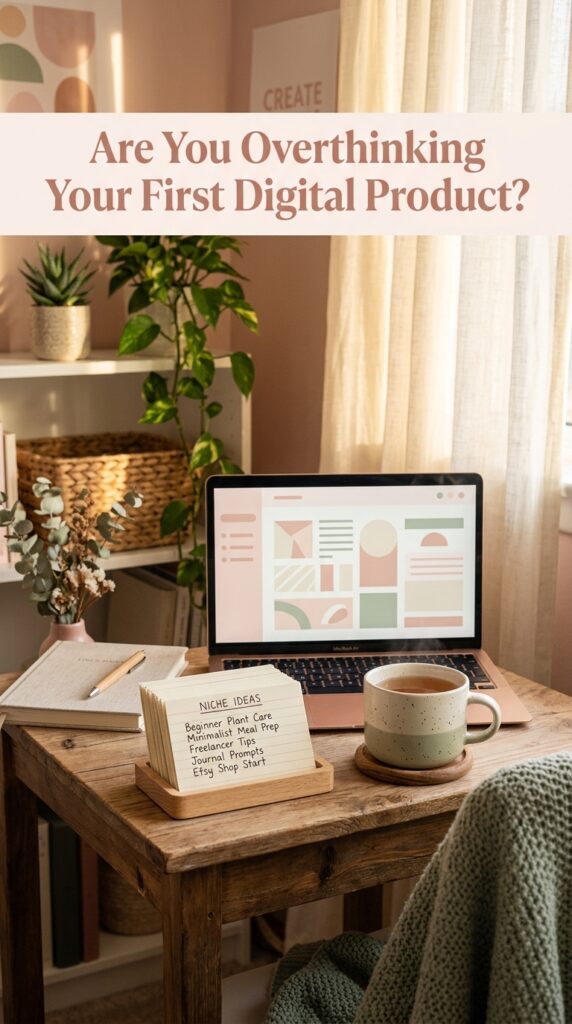
Zero Ideas? Start Here
If your brain went blank the second you tried to think of what to build, honestly, that’s the most common hang-up. 100 AI Tool Ideas You Can Build & Sell — Sorted by Niche exists for exactly this moment — a free list broken down by category so you’re not starting from a blank page on top of a blank page.
A few directions that tend to do well:
- Content generators for a specific hobby or craft niche (journal prompts, sticker ideas, recipe variations)
- Planning tools for a specific life stage or role (new moms, teachers, wedding planning)
- Name or idea generators for creative niches (Etsy shop names, business names, character names)
What It Actually Feels Like Once It’s Live
Picture this: it’s Tuesday, you’re making dinner, and your phone buzzes with a sale notification for a tool you built in one weekend and haven’t touched since. That’s honestly the whole appeal of interactive products over printables — once it’s live, it just sits there doing its thing while you go about your actual life.
The Junk Journal Prompt Generator and Sticker Prompt Studio both work exactly like that now. No redesigning, no reposting, no constant SEO tweaking just to stay visible. Just a tool that keeps solving the same problem for new people every week, whether I’m actively working on it that day or not.
That’s the real shift — from “product I have to keep promoting” to “product that quietly works while I’m somewhere else entirely.”
Getting It Live and Actually Selling
Once your tool and sales page exist, the studio’s launch checklist walks you through the actual publishing steps — where to host it, how to price it, and what to put on the page so it converts instead of just sitting there. You don’t need a separate “how do I sell online” research spiral, because that part’s already mapped out for you.
Fair warning though — the tool being live isn’t the finish line. You still need eyes on it, which is exactly why Pinterest pairs so well with this kind of product. A pin with a clear pinnable headline pointing straight at your sales page does a lot of quiet, ongoing work here.
You Now Know Something Most Printable Sellers Still Don’t
The “I’m not techy enough” excuse doesn’t really hold up anymore, and the gap between “idea” and “live product” is a weekend, not a coding bootcamp.
Three things worth remembering: interactive tools beat printables because people come back to them, the entire build process is guided so you’re never staring at a blank screen wondering what to do next, and you don’t need an original idea — you need a real problem you already understand.
Whenever you’re ready to stop researching and actually build something, Sell Your First AI Tool — Studio is exactly what got the Junk Journal Prompt Generator and Sticker Prompt Studio off the ground, and it’s still $19 for as long as that launch price sticks around. No rush — it’ll be there when you are. ✨
❓ Frequently Asked Questions
Do I need to know how to code to build an AI tool?
No. The studio generates the prompts, and you paste them into Google AI Studio, which is free — the AI handles the actual coding. Your job is answering guided questions about what your tool does.
How long does it actually take to build and publish a tool this way?
Most people can go from idea to a live, listed product in a single weekend, since the studio and the AI prompts do the heavy lifting that would normally take weeks.
Is this worth it if I’ve never sold a digital product before?
Yes — it’s built for exactly that. You don’t need prior experience selling anything; the launch checklist and publishing instructions walk you through listing your product step by step.
What’s the actual difference between an AI tool and a printable?
A printable gets downloaded once and sits in someone’s files. An interactive tool gets opened and used again and again, which is why buyers tend to see more value in it and come back for repeat use.
How long until I might see a sale?
It depends on your niche and how you promote it, but tools built around a real, specific problem — the way the Junk Journal Prompt Generator and Sticker Prompt Studio were — tend to find their first buyers fastest once they’re live and listed somewhere people are actually searching.
Try PinCraft AI Free Today
Design beautiful Pinterest pins in seconds with AI. Start your free trial — no credit card needed.

Helping creators use AI tools and Pinterest to build digital product income from home.