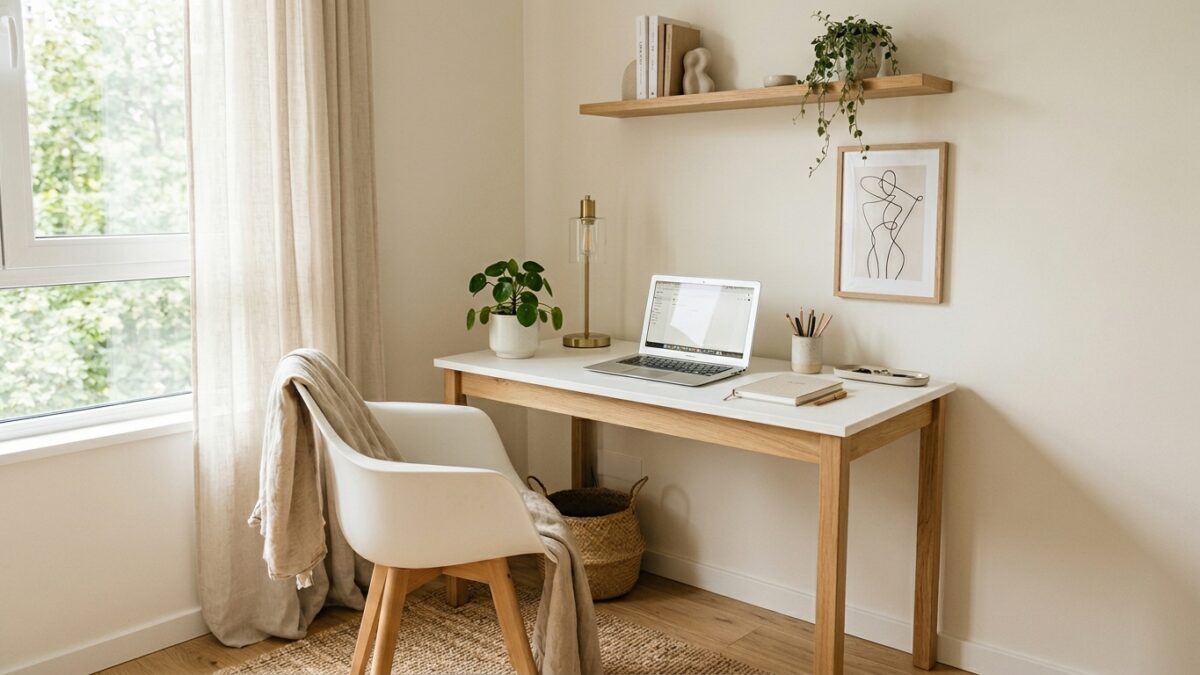
Nobody’s first home office looks like the ones on Pinterest. Most people start with a corner of a bedroom, a kitchen table, or a spare area they’ve quietly claimed from the rest of the household. And honestly? That’s completely fine.
A functional home office isn’t about aesthetics. It’s about removing friction from your working hours. When your workspace is chaotic or uncomfortable, every work session starts with a small mental battle before you’ve done anything productive. This setup guide fixes that without a renovation budget.
Disclosure: This post contains affiliate links. I may earn a small commission if you purchase through my links, at no extra cost to you.
The Mindset Shift Before You Spend Anything
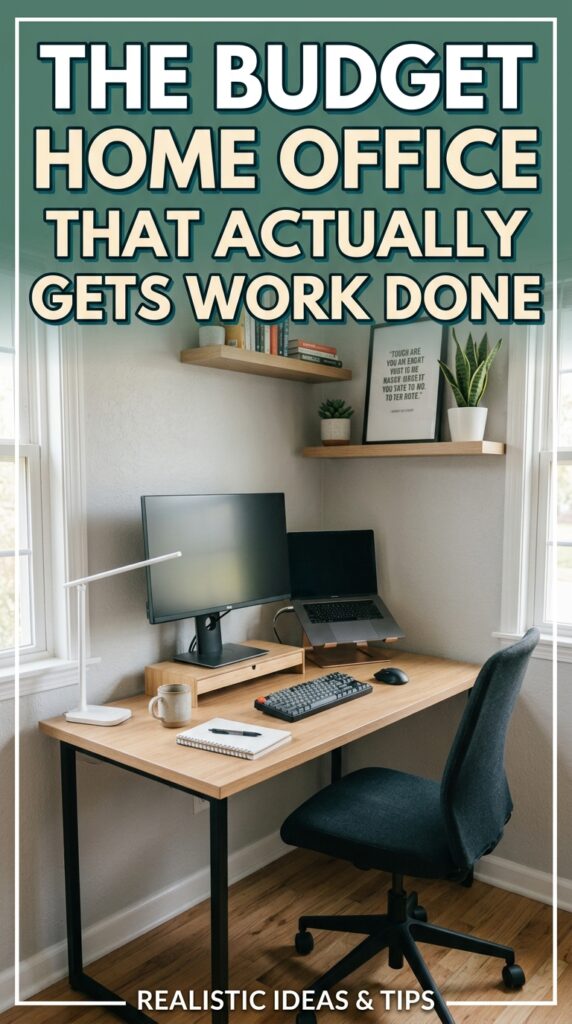
Before buying a single thing, do a genuine audit of what you already have. Most people discover they’re closer to a functional setup than they thought. A kitchen chair with a cushion, a cleared table surface, and decent natural light is already a working office. The upgrades below improve what’s there — they don’t replace a non-existent setup from scratch.
The $200 budget is also a ceiling, not a target. Spend what you actually need. The goal is function, not a complete refresh.
The Core Setup: Desk and Chair
The desk
For a small space, a wall-mounted fold-down desk or a compact writing desk with minimal footprint (about 40-48 inches wide) is your best option. The non-negotiable is surface area for your laptop or monitor plus a notebook. Anything beyond that is nice but not essential.
Budget options that actually work:
- A solid door placed on two filing cabinets (under $50 total, incredibly sturdy, maximum surface area)
- Compact writing desks from IKEA or Amazon in the $60-$90 range
- A wall-mounted floating desk if you genuinely have no floor space — $40-$70 installed
What to skip at this budget level: standing desks, adjustable height desks, any desk with extensive cable management built in. Those are upgrades for later.
The chair
This is the one place in a budget home office where I’d tell you to spend a disproportionate amount. A bad chair causes real physical problems over months and years of daily use. You do not need a $400 ergonomic chair, but you do need lumbar support.
Look for office chairs with adjustable height and back support in the $60-$100 range. Read the reviews specifically for lower back comfort, not general star rating. Amazon’s own-brand office chairs and budget ergonomic options from Sihoo or Hbada consistently get good feedback in this range.
Core desk and chair budget: $60-$130
Lighting
Lighting matters more for your productivity and your video calls than almost any other element of a home office. Poor lighting causes eye strain and makes you look washed out on camera — which matters more than people admit for a professional impression.
Natural light positioning
If you have any choice in where to set up, position your desk so natural light hits you from the side, not from behind. Light from behind creates glare on your screen. Light from the front is ideal. Side light is the workable compromise.
Artificial lighting
A simple LED desk lamp with adjustable brightness and colour temperature handles most lighting needs. Look for one with a daylight setting (5000-6500K) for focus work and a warm setting for evening sessions. Budget: $25-$40.
If you do any video calls or content creation, a small ring light ($20-$35) makes a significant difference. This isn’t vanity — clear, well-lit video calls read as more professional and less tiring for everyone on the call.
Lighting budget: $25-$60
The Tech Setup
At the $200 total budget level, we’re assuming you already have a laptop. What you may be missing:
External monitor (optional but impactful)
A second screen — even a cheap 22-inch monitor — dramatically improves productivity for anyone doing content creation, writing, or managing multiple applications. You can find solid 22-24 inch monitors for $80-$120. If you’re doing this full time, this is worth stretching the budget for.
Laptop stand and keyboard
Using a laptop at desk height means looking down at your screen all day, which causes neck and shoulder strain. A simple adjustable laptop stand ($15-$25) raises the screen to eye level. Pair it with a wireless keyboard and mouse ($20-$30 for a decent combo) and your posture improves immediately.
Reliable internet
IMO this is worth mentioning because it’s the most overlooked home office expense. Slow or unreliable internet costs you more in lost time than any equipment upgrade. If your signal is weak at your desk, a Wi-Fi extender ($25-$40) is money well spent.
Tech additions budget: $35-$90 depending on what you need
Organisation on a Budget
A cluttered desk is a cluttered mind — but organisation doesn’t require expensive systems.
What actually works:
- A cable management box ($10-$15) hides power strips and charging cables that would otherwise cover your desk surface
- A simple two-drawer desk organiser or a few small trays keeps stationery, headphones, and miscellaneous items from spreading everywhere
- A whiteboard or a large notepad on the wall handles the notes and ideas that would otherwise fill your desk with sticky notes
What to skip:
Elaborate filing systems, matching storage sets, expensive desk accessories. These feel productive to buy but rarely improve your actual output. Function over aesthetic at this stage.
Organisation budget: $20-$35
The Full Budget Breakdown
| Item | Budget Range |
|---|---|
| Desk | $0–$90 (use what you have or buy compact) |
| Chair | $60–$100 |
| Desk Lamp | $25–$40 |
| Ring Light (Optional) | $20–$35 |
| Laptop Stand + Keyboard | $35–$50 |
| Organization Basics | $20–$35 |
| Total | $160–$200 |
This gives you a fully functional home office setup that handles the practical demands of running an online business day to day.
What to Upgrade First When You Have More Budget
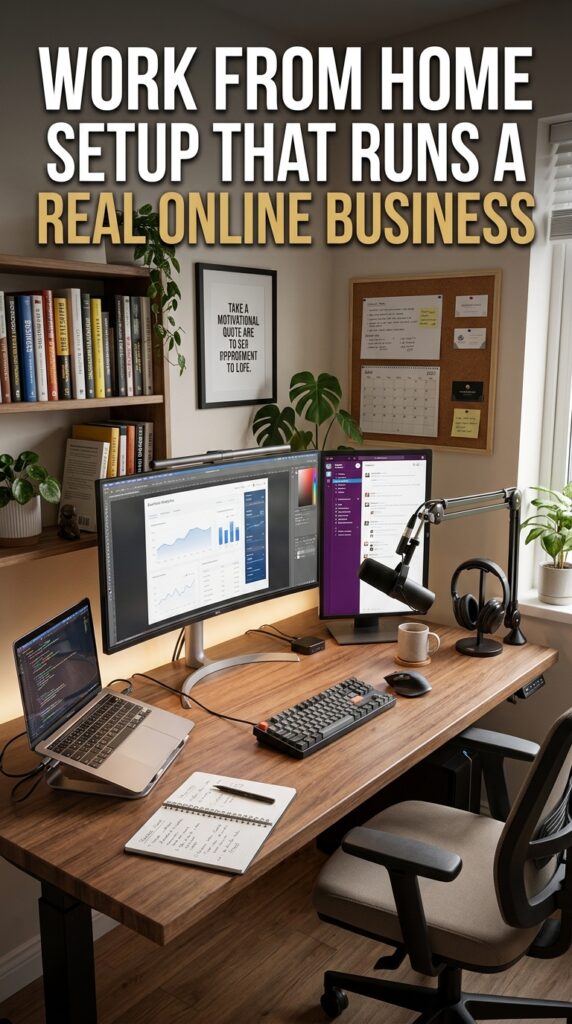
Once the business is generating income, the upgrades that make the biggest difference in order of impact:
- Better chair — your body will thank you
- External monitor — if you don’t already have one
- Noise-cancelling headphones — for deep work and calls
- Better desk — only if the current one is genuinely limiting your space
The Office Isn’t the Business
Here’s the honest truth about home offices: the best setup in the world won’t build the business. The work builds the business. The office just removes the friction that slows the work down.
Set up something functional, make it reasonably comfortable, and then spend your remaining energy on the actual income-generating work. The aesthetic upgrades can come when the business pays for them.
What does your current setup look like — are you working from a dedicated space or are you still in “wherever I can find a spot” mode? Drop it in the comments.
Try PinCraft AI Free Today
Design beautiful Pinterest pins in seconds with AI. Start your free trial — no credit card needed.

Helping creators use AI tools and Pinterest to build digital product income from home.