There’s a version of “WFH essentials” content that’s basically just “buy all the things” with Amazon affiliate links and zero curation. This isn’t that. These 12 items are the ones that actually moved the needle for me — either because they removed friction from my day, made my workspace feel significantly better, or did both at the same time.
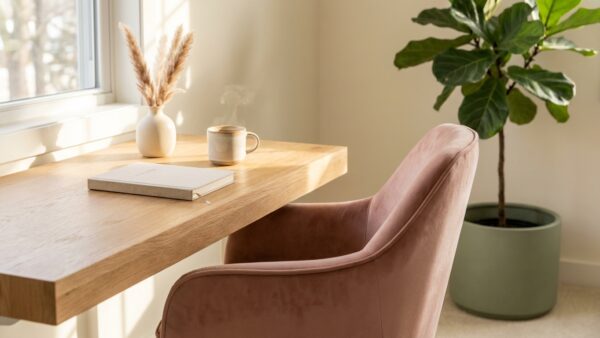
The home office aesthetic is real and it matters more than some productivity folks will admit. When your workspace looks and feels good, you want to be there. When it’s cluttered, dark, and visually chaotic, you find excuses to work from the couch. The two things — function and beauty — are not as separate as people make them out to be.
So this is my honest, edited-down list. Twelve things. All worth it. Let’s go through them.
Why Your WFH Setup Might Be Quietly Draining You
Here’s a thing nobody tells you about working from home: the friction is often physical and environmental before it’s motivational. If your chair is slightly too low, your neck tightens by noon. If your lighting is harsh or too dim, your eyes are fatigued by 2pm. If cords are everywhere, the visual chaos creates low-level mental noise all day. You blame yourself for not being productive enough when really your setup is just making everything harder.
The items on this list all address specific friction points. A few of them are about the work from home aesthetic — making the space feel good to be in. Others are about pure ergonomics and function. Most are both. None of them are expensive, and together they add up to a workspace that genuinely supports you instead of quietly undermining you.
12 Work From Home Essentials Worth Every Penny
1. A Decent Desk Lamp With Warm Light
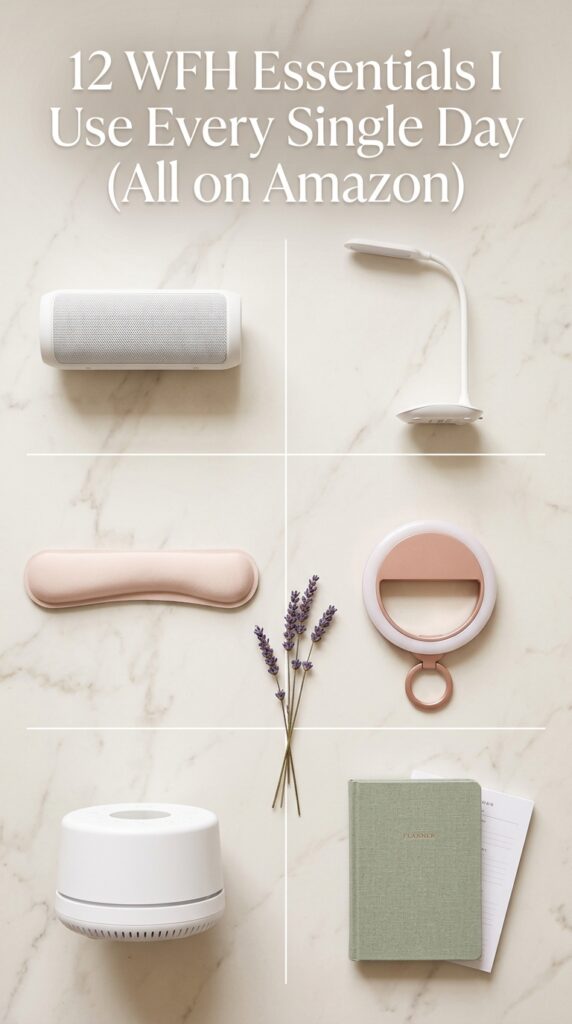
Not a bright white overhead light. A desk lamp with warm, adjustable light in the 2700K–3000K range. This single item changes how your workspace feels more than almost anything else. Warm light is calming, reduces eye strain, and makes everything look better — including you on video calls. Budget option: $25–$40 on Amazon. If you want to spend a little more, BenQ’s monitor lamps are genuinely excellent and worth the splurge.
2. A Cable Management Box
One of the highest impact-per-dollar buys on this list. A cable management box sits on your desk or the floor, holds your power strip, and keeps cords from creating visual chaos on your workspace. Under $25 on Amazon, and it instantly makes any desk look more intentional and calm. This is the buy that surprises people the most — before and after photos are genuinely dramatic.
3. A Wrist Rest
If you type for hours every day, a memory foam wrist rest for your keyboard (and a separate one for your mouse) reduces strain significantly. They also look great — especially the ones in linen or blush-toned fabric. Under $20 each, and the ergonomic benefit is real. This is the WFH essential most people overlook until they have wrist pain.
4. A Monitor Riser or Laptop Stand
Screens should be at eye level. If your laptop or monitor is flat on the desk, you’re tilting your head down all day — which is a direct path to neck and shoulder tension. A simple monitor riser ($25–$40) or a laptop stand paired with an external keyboard fixes this entirely. This is a non-negotiable ergonomic upgrade if you work more than 4 hours a day.
5. A Ring Light or LED Light Bar
Video calls are part of working from home and looking well-lit matters more than most people realize — not for vanity reasons, but because good lighting signals professionalism and makes you easier to see and connect with. A small clip-on ring light or a desktop LED bar runs $20–$40 and makes an immediate, noticeable difference on camera.
6. A Quality Desk Pad or Desk Mat
A desk pad — linen, leather-look, or felt — does two things: it protects your desk surface and it creates a visual anchor for your whole setup. Everything looks more intentional when it sits on a desk pad. They run $18–$40 depending on size and material. Go neutral — cream, sage, or warm grey — and it works with any existing decor.
7. A White Noise Machine
If you share your space with other people, live in a noisy building, or just find ambient sound distracting, a white noise machine is genuinely life-changing for focus. The LectroFan and Marpac Dohm are two consistently well-reviewed options that run $30–$50. Many people who thought they just struggled with focus discover that sound management was the actual issue.
8. A Bluetooth Speaker for Your Desk
Not essential for productivity, but genuinely good for morale. A small Bluetooth speaker — the JBL Clip series is compact and sounds great — lets you put on music, podcasts, or ambient sound without headphones, which starts to feel important around hour 4 of wearing them. Good sound makes a workspace feel more alive and less like a solitary confinement situation.
9. An Ergonomic Mouse
A vertical or ergonomic mouse reduces wrist strain significantly for people who use a mouse heavily throughout the day. Logitech makes several highly rated options in the $35–$60 range. This is the WFH essential that chronic wrist-pain sufferers wish they’d bought months earlier.
10. A Small Plant (Literally Any Kind)
A living thing on your desk does something to the space that no amount of styling can replicate. A pothos, a small succulent, a peace lily — something green that breathes and grows alongside you. Plants reduce stress, improve air quality slightly, and make any workspace feel warmer and more human. Budget: $5–$20 from a local nursery or Amazon. Impact: disproportionately large.
11. A Physical Planner or Notebook
Even if you’re entirely digital in your work, there’s something about handwriting your to-do list at the start of the day that helps your brain organize priorities differently than a typed list does. A dedicated work notebook or a weekly planner keeps your analog thinking separate from your screen. Pick one that makes you want to write in it — the aesthetic matters here.
12. A Good Thermos or Quality Mug
Stay with me here, because this one sounds trivial until you’ve experienced it. Having a thermos that keeps your coffee or tea at the right temperature for 3–4 hours means you’re not making 6 trips to the kitchen every morning. It removes a small but frequent friction point from your day. And a beautiful ceramic mug on your desk — the kind you actually like looking at — contributes to the work from home aesthetic in a quiet, daily way.
What Changes When Your Setup Actually Works
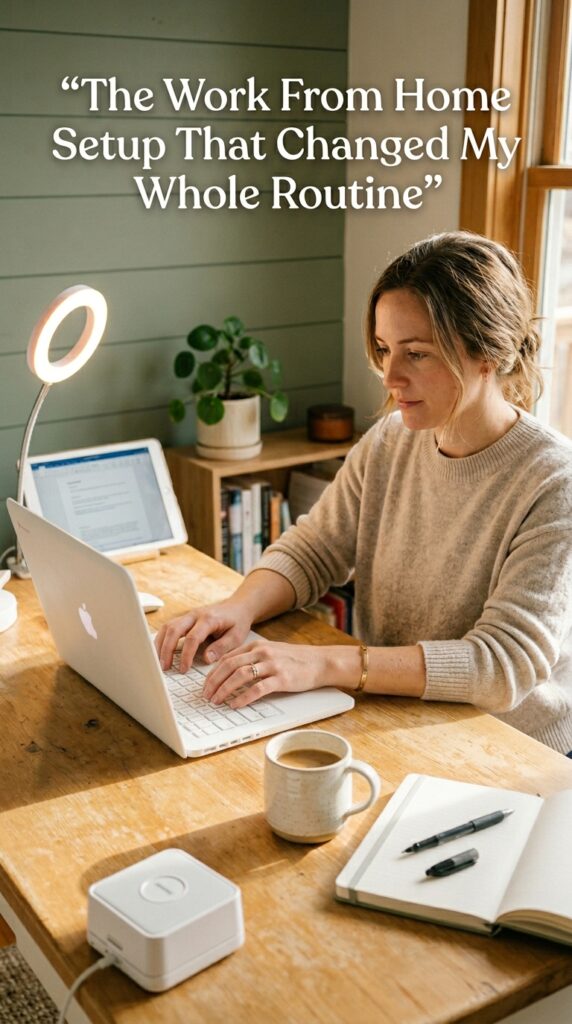
There’s a quiet shift that happens when your workspace is set up in a way that genuinely supports you. The mornings feel different. Sitting down to start work doesn’t require as much mental negotiation. You notice that you stay focused longer and feel less depleted at the end of the day — not because you’re working harder, but because the environment stopped working against you.
That’s what a good WFH setup does. Not magic, not productivity hacks — just the removal of friction. These 12 items, most of which can be found on Amazon for under $40 each, collectively create that shift. They’re not glamorous purchases individually. But together, they make a real difference to both how your day feels and how your space looks.
Start with whichever one addresses your most annoying daily friction point. That’s always the right place to begin.
Frequently Asked Questions
What are the most important work from home essentials to buy first?
Start with lighting (a warm desk lamp), cable management (a cable management box), and one ergonomic item (a wrist rest or monitor riser). These three address the most common daily friction points and have the highest visual and functional impact per dollar. Everything else on this list is worth having, but these three make the biggest immediate difference.
How do I make my work from home setup look more aesthetic?
Pick a two-color palette and apply it consistently to everything on your desk. Add a desk pad in a neutral tone. Remove anything that doesn’t serve a daily purpose. Add one living thing — a small plant or succulent. These four moves cost under $50 total and create a visual shift that surprises most people. Lighting is the other major lever — warm light makes everything look better instantly.
Do WFH essentials actually improve productivity?
Yes — specifically the ergonomic ones. Good lighting, proper screen height, and a wrist rest address physical discomfort that compounds over long work sessions and quietly drains energy and focus. The aesthetic items matter too, but for psychological reasons — a space that feels good to be in reduces the resistance to starting work and increases the time spent there comfortably.
What’s a realistic budget for setting up a WFH home office?
You can put together a functional, aesthetically good WFH setup for $100–$200 if you’re selective. Prioritize: desk lamp ($30), cable management box ($20), wrist rest ($18), desk pad ($25), and one plant ($10–$15). That’s $103–$108 and covers the highest-impact items on this list. Add a monitor riser or laptop stand if you can stretch to $130–$150 total.
Is a standing desk worth it for working from home?
For people who sit for more than 6 hours a day, some form of standing option is worth it — but it doesn’t have to be a motorized standing desk. A desktop converter (which sits on top of your existing surface) achieves the same alternating sit/stand benefit for $80–$120 instead of $400–$600. Start there before committing to a full standing desk investment.
Try PinCraft AI Free Today
Design beautiful Pinterest pins in seconds with AI. Start your free trial — no credit card needed.

Helping creators use AI tools and Pinterest to build digital product income from home.