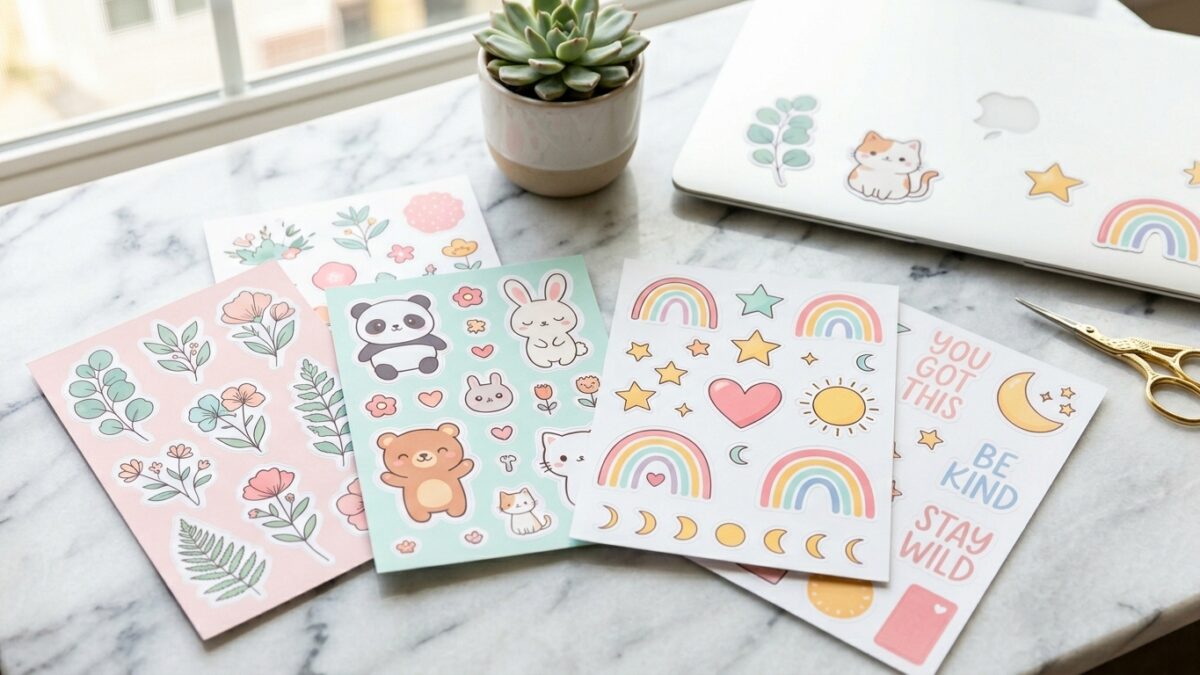
Stickers are one of the most consistently good-selling product categories on Etsy. That’s not a hot take — it’s just data.
Low production cost, massive buyer demand, and a product that people collect, gift, and repurchase regularly. Add the fact that digital stickers require zero inventory, zero shipping, and zero fulfillment, and you start to see why so many Etsy sellers start here.
The best part? You don’t need to be an artist to sell stickers. That feels like it should be a lie, but it genuinely isn’t anymore. In 2026, the tools available to sticker designers have completely leveled the playing field.
Here’s the full walkthrough from first design to first sale.
Disclosure: This post contains affiliate links. I may earn a small commission if you purchase through my links, at no extra cost to you.
The Two Types of Stickers You Can Sell on Etsy
Before you open Canva or buy a Cricut, it’s worth deciding which sticker model fits your goals. They’re very different businesses.
Digital Stickers (Download Files)
Digital stickers are PNG or PDF files that buyers download and use on digital devices — adding them to their digital planners, GoodNotes journals, or iPad note apps. No physical product. No shipping. No inventory.
Best for: People who want passive income with no fulfillment work. You design once, list it, and it sells while you sleep.
Revenue model: Lower price point ($3–$10 per pack typically) but zero cost per sale once it’s listed.
Physical Stickers (Print and Ship or Print-on-Demand)
Physical stickers are actual printed stickers — vinyl, kiss-cut, or die-cut — that you either print yourself and ship, or produce through a print-on-demand partner who handles everything.
Best for: People who want a tangible product with higher perceived value. Physical sticker packs often sell for $5–$20+.
Revenue model: Higher price point, but more work involved in fulfillment or more margin taken by a print partner.
Both models are legitimate. Most successful sticker sellers on Etsy start with one and add the other once they find designs that sell.
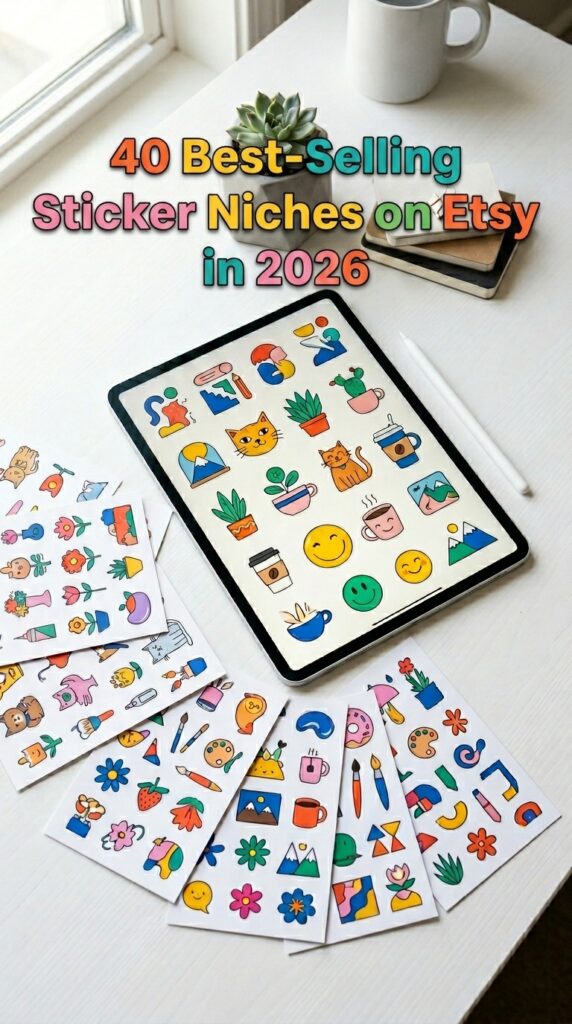
What You Actually Need to Get Started
The good news: the startup cost for a sticker business is genuinely low compared to almost any other product category.
For Digital Stickers
- A design tool: Canva (free tier works to start), Procreate (iPad), or Adobe Illustrator
- An Etsy shop (free to open, $0.20 per listing)
- A way to export PNG files with transparent backgrounds
That’s it. Total startup cost can be literally $0 if you use Canva’s free tier.
For Physical Stickers (Self-Fulfillment)
- A cutting machine: Cricut Maker or Silhouette Cameo are the standard choices
- Printable vinyl sticker paper (available on Amazon)
- A home printer capable of decent color
- Shipping supplies
For Physical Stickers (Print-on-Demand)
- A design tool (same as digital)
- A POD partner account: Printify, Printful, or Sticker Mule all have Etsy integrations
- Your Etsy shop
Print-on-demand is the easiest entry point for physical stickers because your POD partner handles printing, packaging, and shipping. You focus entirely on design.
How to Design Stickers (With or Without Drawing Skills)
This is the section most beginner guides skip over, which is why so many people get stuck before they even list.
If You Can Draw: Procreate
Procreate on iPad is the gold standard for sticker illustration. Draw your design, export as a PNG with a transparent background, done. The learning curve is real, but if illustration is your thing, this is your tool.
If You Can’t Draw: Canva
Canva has thousands of graphics, illustrations, and elements that you can combine, recolor, and adapt into original sticker designs. The key is combining elements in ways that create something that reads as yours rather than generic.
Canva tips for sticker design:
- Use the white background PNG export for cut stickers
- Add a white border effect (Canva calls it an “outline”) to make designs pop on dark surfaces
- Group multiple elements to create cohesive sticker sheet layouts
If You Want to Scale Fast: AI Design Tools
This is where the game has genuinely changed. AI image generation tools can produce original, on-brand sticker designs in minutes — and because AI-generated images have natural variation, each design is unique even when using similar prompts.
The challenge most people hit is knowing what prompts actually produce good sticker designs. Generic prompts produce generic output. Specific, tested prompts produce designs that look intentional and sellable.
That’s exactly what the Sticker Prompt Generator solves — a tool designed specifically to give you optimized, sticker-specific AI prompts so you’re not wasting time guessing what to type.
→ Get the Sticker Prompt Generator here
How to Research What Stickers Actually Sell Before You Design
IMO, this is the step most beginner sticker sellers skip — and it’s why they end up with a shop full of designs they love but nobody else is searching for.
Etsy SEO and buyer demand research should happen before you design, not after.
The process is straightforward:
- Search your sticker niche on Etsy and note how many results come up (more results = more competition)
- Look at listings with lots of reviews — those designs are proven sellers
- Check what keywords are in the titles and tags of best sellers
- Look for gaps: popular themes that don’t have as many listings as you’d expect
For the keyword and demand data side of this, Everbee is the tool I actually use. It shows you real sales data, search volume estimates, and how competitive a niche is before you commit time to designing for it. Way better than guessing.
Setting Up Your Etsy Sticker Listings
Once your designs are ready, how you list them is the difference between a shop that gets found and a shop that doesn’t.
Writing Your Title
Lead with the most important keywords. “Cute Animal Stickers, Kawaii Sticker Pack, Digital Planner Stickers” performs better than “My Sticker Pack Vol 1.” Buyers search by what they want, not what you’ve named it.
Writing Your Description
Answer the questions buyers actually have: What format is the file? What size is the sticker? What can they use it for? What software/device is compatible (for digital)?
Be specific. Vague descriptions create hesitation. Specific descriptions remove it.
Your Photos and Mockups
This is critical for sticker listings. Buyers decide whether to click based on your thumbnail image before they read a single word.
For digital stickers: show them applied to a planner or tablet screenshot. Show the full sheet. Show a lifestyle image of someone using a digital planner.
For physical stickers: photograph them on white, photograph them on a water bottle or laptop, show the kiss-cut sheet layout.
Pricing Your Stickers
Digital sticker packs: $4–$10 is the sweet spot for most niches. Higher if you have a large set or brand following.
Physical sticker sheets: $6–$18 depending on size, quantity, and complexity.
Don’t undercut yourself trying to compete on price. Buyers on Etsy aren’t looking for the cheapest sticker — they’re looking for the right design. Price your work to be sustainable.
The Niches That Actually Sell
Not all sticker niches are equal. Based on consistent Etsy performance, these categories have strong ongoing demand:
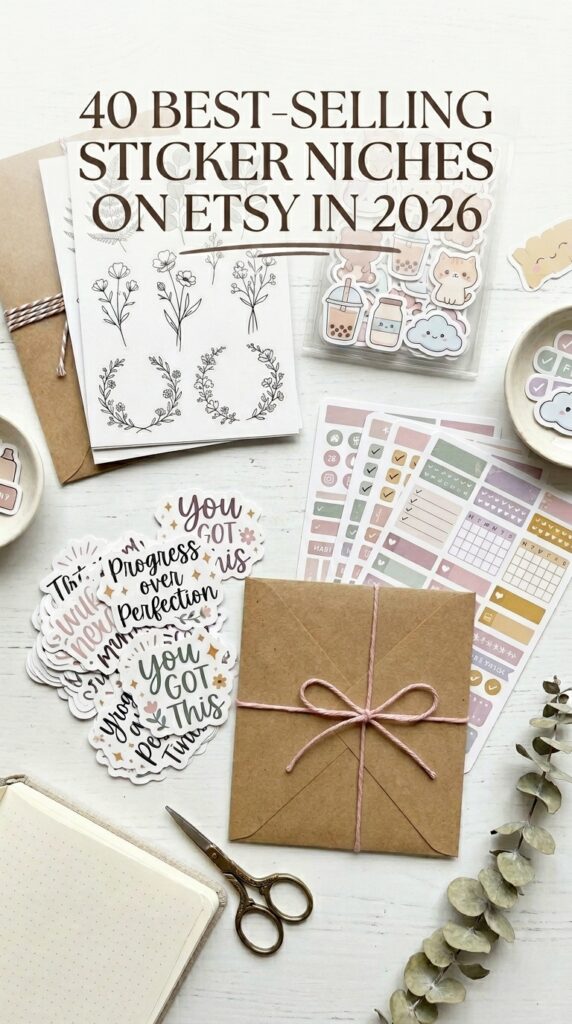
- Mental health and affirmations — “you’ve got this” stickers, therapy humor, self-care themes
- Cottagecore and botanical — mushrooms, pressed flowers, soft illustrated plants
- Kawaii / cute aesthetic — big eyes, pastel colors, food characters
- Niche fandoms — specific shows, games, or communities (check copyright carefully)
- Planner and organization stickers — checklists, calendar markers, habit trackers for digital planners
- Occupation-specific — nurse stickers, teacher stickers, bookish stickers — niche audiences are loyal buyers
The goal isn’t to be in every niche. It’s to own a corner of one niche with consistent, high-quality designs.
Start With Five Designs
You don’t need a full shop to launch. Five cohesive designs in one niche is a better starting point than fifty scattered ones — it tells the Etsy algorithm what your shop is about and tells buyers who you’re designing for.
Make five. List five. Learn from the data. Build from there.
The sticker market on Etsy isn’t going anywhere. The question is whether your designs are the ones people find when they search.
What niche are you thinking about? Drop it in the comments — happy to share thoughts on the demand side.
Try PinCraft AI Free Today
Design beautiful Pinterest pins in seconds with AI. Start your free trial — no credit card needed.

Helping creators use AI tools and Pinterest to build digital product income from home.