📝 Before Publishing: Set your Featured Image, focus keyword, meta description, categories, and tags. Upload generated images to placeholder blocks below.
You don’t need to be a designer. You don’t need Photoshop, Illustrator, or any formal art background. People are building profitable Etsy shops selling junk journal kits using AI to generate every page, Canva to build every listing image, and zero design experience — and their shops look incredible.
Here’s the complete beginner’s roadmap. What you actually need, step by step.
✿ What You Actually Need to Start
- An AI image generator — Canva AI, Adobe Firefly, DALL‑E, or Leonardo AI all have free tiers
- Canva — free tier is fine for your first kit’s listing images and mockups
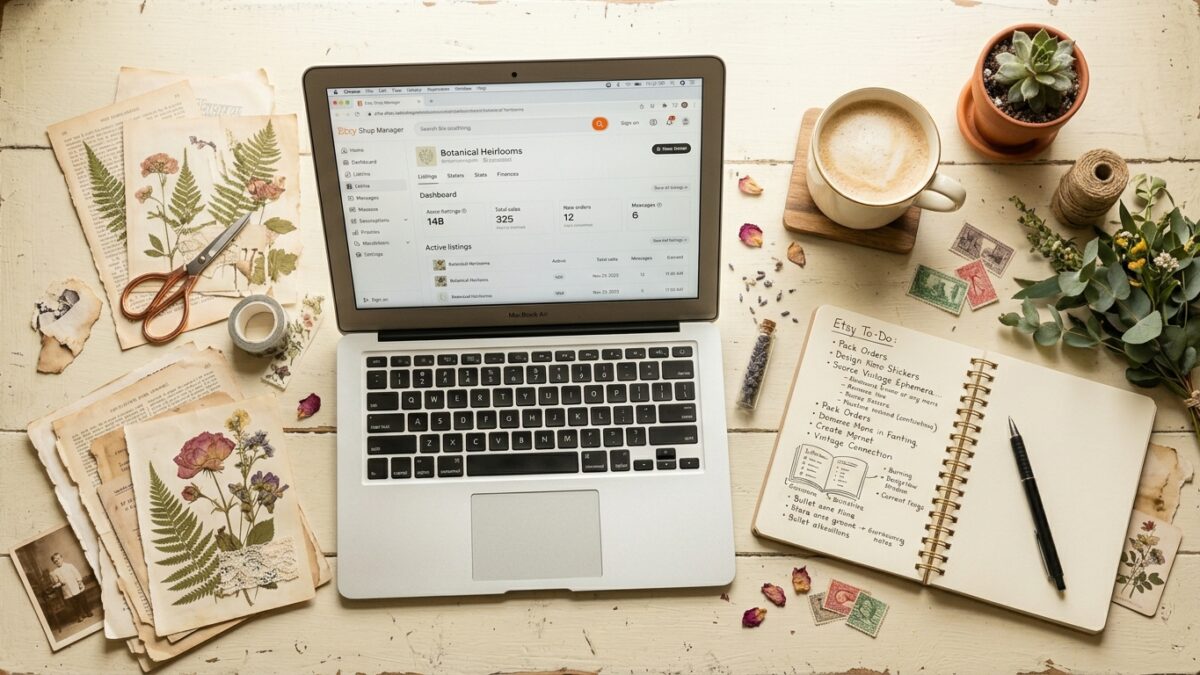
- An Etsy seller account — $0.20 per listing, no monthly fee until you sell
- A file delivery method — PDF or ZIP both work; Etsy handles digital delivery automatically
Add tools as your shop generates revenue. Canva Pro is worth upgrading to once you’re listing regularly — the premium mockup templates make listing photos look like a professional product shoot.
✿ Step 1: Research Before You Build Anything
Spend 20 minutes on Etsy before generating a single page. Search ‘junk journal kit digital download’ and sort by Best Sellers. Look at which themes appear repeatedly, how many pages top listings include, what thumbnails look like, and what price range buyers accept. For a full breakdown of what performs best, see our guide on what type of junk journals sell best on Etsy. Everbee is the tool I use for this research — it surfaces sales volume and keyword data for any listing automatically.
✿ Step 2: Create Your First Kit
Pick one theme. Lock your palette. Start with two page types — a background and one ephemera sheet. These prompts work in any AI tool including Canva AI:
✨ Copy-Paste AI Prompt — drop into Canva AI, Midjourney, Firefly, or DALL‑E:
Cottagecore journal background page, soft watercolor wildflower border on aged cream paper, hand-painted botanical style, muted sage green and dusty rose palette, light paper grain texture, high resolution printable, portrait orientation✨ Copy-Paste AI Prompt — drop into Canva AI, Midjourney, Firefly, or DALL‑E:
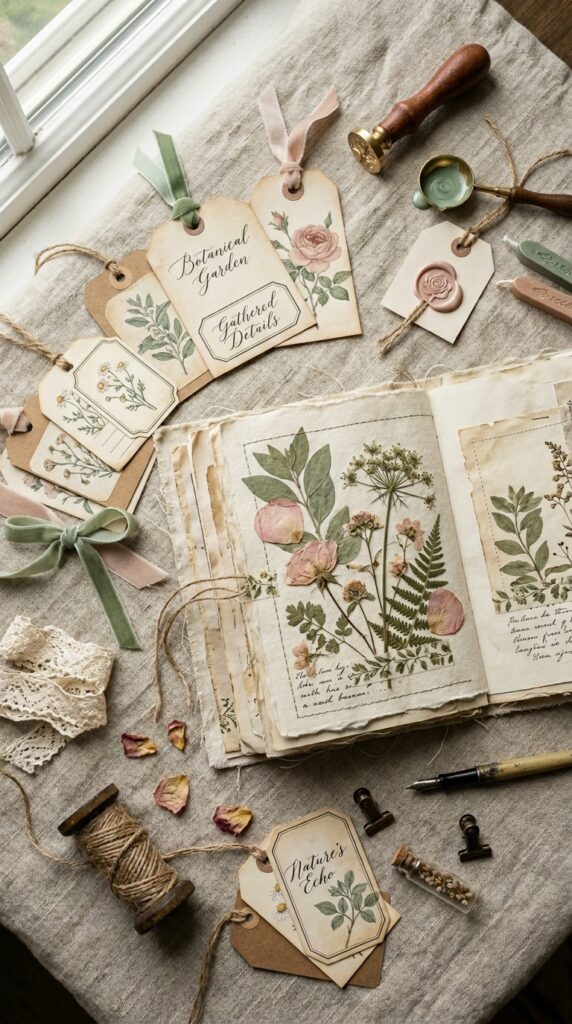
Vintage printable ephemera set, 10 small elements on aged parchment: floral tags, botanical labels, wax seal, butterfly card, torn paper tag, seed packet, pressed leaf, ribbon swatch -- cottagecore, muted earth tones, hand-illustrated, high resolution sheet layoutStart with 20–25 pages. That’s enough value for buyers, manageable for you, and fast enough to list and learn from real feedback.
✿ Step 3: Build Listing Images in Canva
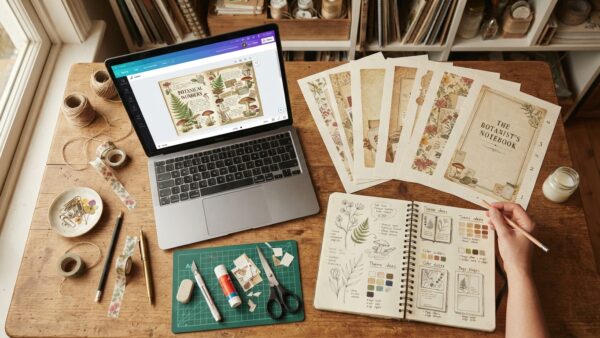
Search ‘desk flatlay mockup’ in Canva’s template library. Place your best pages into the composition. Add your kit name as a bold text overlay. Twenty to thirty minutes and your listing looks like a professional product.
✿ Step 4: Write an Etsy Listing That Converts
Title leads with keywords: ‘Cottagecore Junk Journal Kit Digital Download | 25 Vintage Pages | Botanical Journal Printables.’ Description answers every question upfront — page count, file format, dimensions, download method, license type. Buyers with unanswered questions don’t ask; they leave.
✿ Step 5: Drive Traffic With Pinterest
Create 3–5 pins per kit using your best individual pages as pin images — not listing screenshots. Pins get saved and shared, compounding reach over time. For the full Pinterest organic strategy, see our guide on how to stand out in the junk journal market.
For building pin titles, SEO descriptions, and images efficiently, PinCraft AI handles that workflow in minutes. And the free Pinterest Viral Blueprint covers the strategy behind a 1.7M impression account.
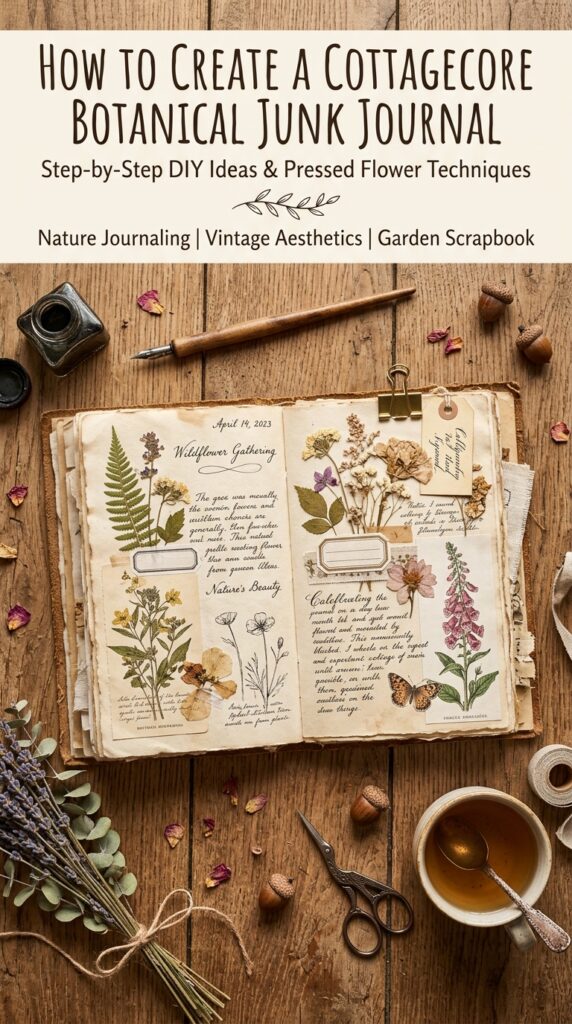
✿ Start Small and Build on Real Data
One kit. Twenty-five pages. One listing. That is your entire first goal. Every kit after the first one should be informed by actual sales data, not assumptions. The sellers making consistent passive income started with one great kit in a proven niche and scaled from real results.
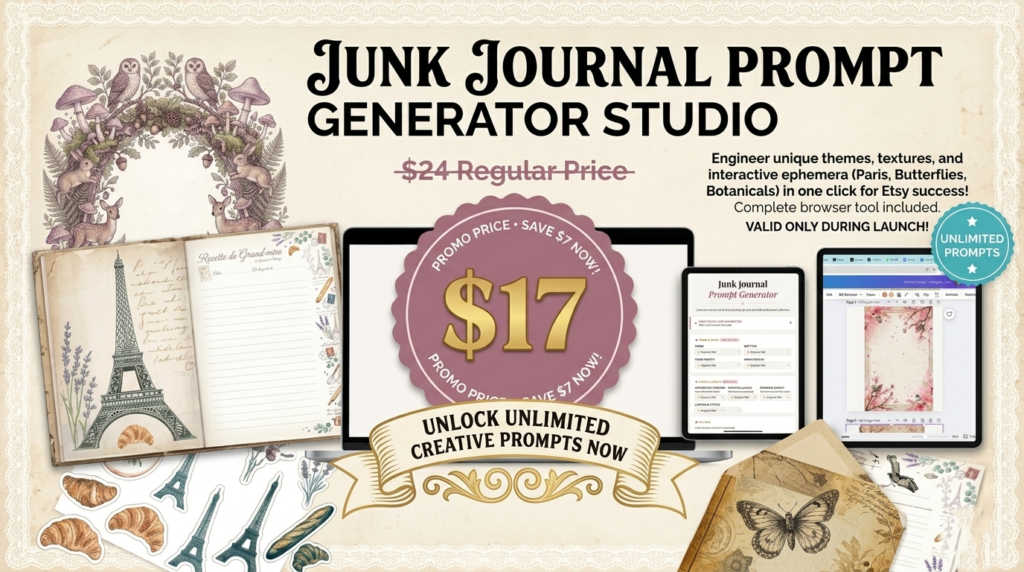
No design experience required. Free tools available today. The only barrier between you and a listed product is writing specific prompts and building Canva mockup images — both learnable in an afternoon. Start with one kit and let the data drive everything from there.
Try PinCraft AI Free Today
Design beautiful Pinterest pins in seconds with AI. Start your free trial — no credit card needed.

Helping creators use AI tools and Pinterest to build digital product income from home.