⚡ QUICK ANSWER:
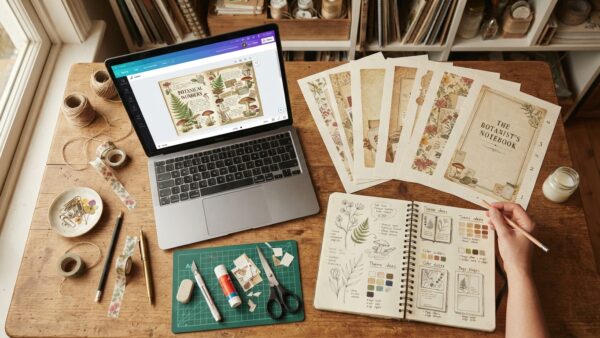
A junk journal generator helps you instantly create themed journal ideas, prompts, and design concepts without staring at a blank screen for hours. Instead of guessing what style, colors, or aesthetic to make next, you can generate professional-looking junk journal themes in seconds and start creating faster — even if you’re a beginner.
Why Creating Junk Journal Themes Feels So Hard Sometimes
If you’ve ever sat down to create a junk journal and suddenly forgot every creative idea you’ve ever had… yeah, same 😅
One minute you’re excited.
The next minute you’re opening Pinterest tabs, scrolling Etsy, checking old notebooks, and somehow still ending up with absolutely no clue what theme to make.
And honestly? That creative overwhelm is way more common than people admit.
A lot of junk journal creators think they’re “not creative enough” when really they’re just mentally exhausted from trying to come up with fresh ideas constantly. Especially if you’re trying to sell digital journals, printable kits, or stickers online — the pressure to keep creating new themes gets real fast.
That’s exactly why tools like a junk journal generator can feel like such a relief.
Instead of wasting hours trying to think of:
- color palettes
- vintage themes
- aesthetic combinations
- seasonal concepts
- page ideas
- sticker matching styles
…you can generate ideas instantly and actually move into the fun part — creating.
And tbh, that’s the part most people want anyway.
In this post, we’re talking about:
- how junk journal generators work
- why they help beginners so much
- how to create professional-looking themes faster
- how to pair them with sticker prompts
- and how tools like Pincraft AI can help make your designs look way more polished without making things complicated.
The Real Reason Most People Get Stuck Creating Junk Journals
Here’s the thing nobody really says out loud:
Creating the journal itself usually isn’t the hardest part.
It’s choosing the theme.
Because once you finally know:
- the aesthetic
- the mood
- the colors
- the vibe
- the vintage elements
- and the story behind the journal…
everything else starts flowing naturally.
But getting to that point? Whew.
A lot of creators spend more time thinking than actually making.
Sound familiar?
You start searching:
- “vintage junk journal ideas”
- “cottagecore themes”
- “dark academia journal inspiration”
- “boho printable kit ideas”
…and three hours later you’re still stuck.
Honestly though, this is exactly why generators are getting so popular right now. They remove that exhausting “what should I make?” phase and help your brain move faster into creativity mode.
Not because you’re lazy.
Because decision fatigue is real.
And if you’re juggling kids, work, content creation, or running a small business too — your brain probably doesn’t want another complicated task added to the pile.
But what if it didn’t have to feel that complicated?
How a Junk Journal Generator Saves So Much Time
A good junk journal generator gives you professionally styled themes instantly instead of forcing you to brainstorm from scratch every single time.
And spoiler alert — sometimes the random combinations end up being your best ideas.
Here’s What It Can Generate
Depending on the tool, you can create:
- vintage aesthetic themes
- cottagecore concepts
- floral journal ideas
- celestial themes
- dark academia combinations
- seasonal prompts
- romantic vintage palettes
- grunge journal styles
- fantasy-inspired collections
One of the easiest ones I’ve found lately is this Junk Journal Generator:
✨ Try the Junk Journal Generator Here
What I like about it is that it removes the “blank page panic.”
Instead of sitting there wondering what direction to go in, you click once and suddenly you have:
- a visual direction
- matching aesthetic ideas
- styling inspiration
- and a theme you can immediately start building around
Honestly? That’s huge when you’re trying to create consistently.
Especially if you:
- sell printables
- create Etsy products
- make digital journals
- design stickers
- or post journal content on Pinterest
Because consistency matters way more than waiting around for perfect inspiration to magically appear.
Professional Themes Start With Strong Visual Direction
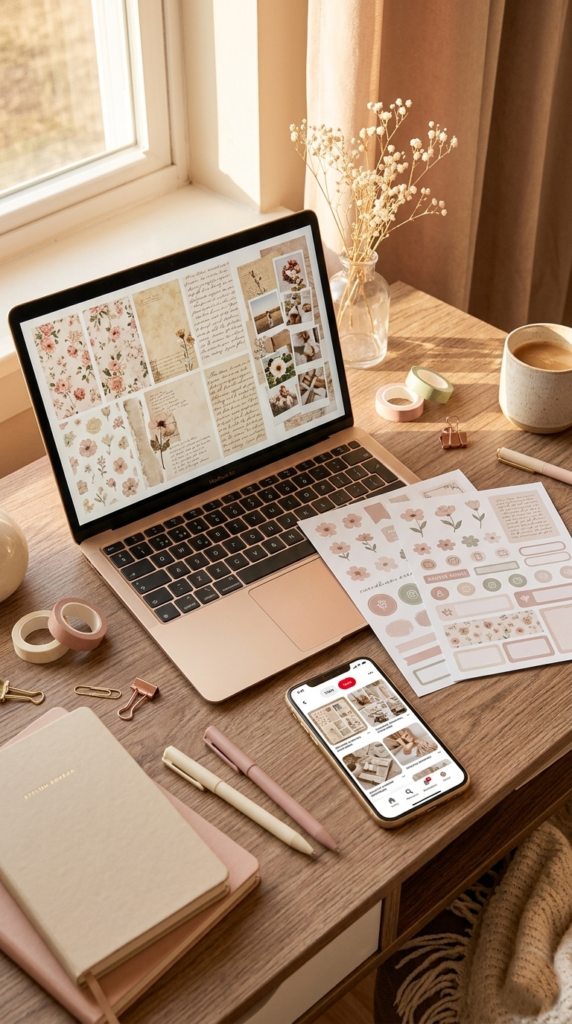
One thing that instantly separates beginner-looking journals from professional-looking ones is consistency.
Not perfection.
Consistency.
The best junk journals usually follow:
- one strong aesthetic
- a matching color palette
- coordinated textures
- repeated design elements
- and a clear emotional vibe
That’s why randomly mixing unrelated graphics can sometimes make journals feel messy or unfinished.
A generator helps by narrowing the direction first.
For example:
- “Victorian Tea Garden”
- “Moonlit Apothecary”
- “Parisian Rose Vintage”
- “Coastal Grandmother”
- “Forest Witch Botanical”
Immediately your brain starts seeing:
- fonts
- textures
- ephemera
- stickers
- paper styles
- layering ideas
And creating becomes easier.
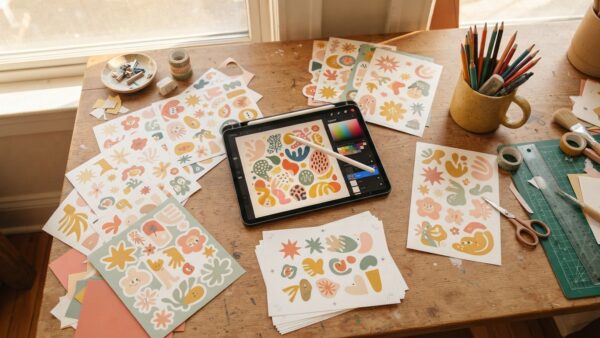
This is where pairing your journal themes with custom sticker prompts can make everything look even more cohesive.
Why Sticker Prompts Make Your Journals Look More Premium
A lot of junk journal creators overlook this part completely.
But matching stickers can seriously make your journals feel professionally designed instead of randomly assembled.
And lowkey? Stickers are often what make people stop scrolling on Pinterest.
Because they’re visual.
They create aesthetic consistency instantly.
That’s why I started loving themed sticker prompts for journal creation.
One really useful tool for this is the:
Instead of trying to think up sticker ideas manually, it helps generate themed prompts that actually match your journal aesthetic.
So if your journal theme is:
- vintage butterflies
- shabby chic roses
- celestial moon phases
- botanical apothecary
- whimsical fairies
…your sticker prompts can align with that exact vibe instead of feeling random.
And honestly? That little detail makes such a difference visually.
Especially for:
- Pinterest pins
- Etsy listing photos
- printable kits
- digital journals
- junk journal bundles
Everything just looks more polished.
✨ FRIEND TIP:
If you struggle with matching aesthetics, create your stickers after generating your journal theme — not before. It keeps your designs cohesive and saves a ton of editing time later.
Using Pincraft AI to Create Pinterest Content Faster
Okay so real talk — creating junk journals is one thing.
But turning them into Pinterest content consistently? That’s usually where creators get overwhelmed.
Because now you need:
- pin designs
- catchy titles
- SEO-friendly descriptions
- keywords
- scheduling
- and enough fresh content to stay active without burning out
And honestly… that part can eat up hours.
That’s why Pincraft AI has been so helpful lately for Pinterest creators and digital product sellers.
Instead of trying to manually brainstorm everything yourself, it helps generate:
- Pinterest pin ideas
- optimized titles
- keyword-rich descriptions
- relevant Pinterest keywords
- aesthetic image prompts
- and scheduled Pinterest content
…in way less time.
One thing I genuinely like is that you can go from:
“Ugh I still need to make pins for this…”
to having Pinterest-ready content scheduled in under 10 minutes.
Which honestly matters a lot when you’re juggling multiple things already.
And if you’ve ever worried about overposting or accidentally looking spammy on Pinterest, there’s also a built-in 7-day cooldown system designed to help prevent spam-style pinning behavior.
That part is actually really smart because Pinterest has become much stricter about repetitive content lately.
So instead of trying to manually keep track of:
- what you already posted
- when you posted it
- and whether you’re pinning too aggressively
…the system helps slow things down naturally and keeps your content flow feeling more organic.
Especially if you’re creating:
- junk journals
- printable kits
- sticker packs
- digital products
- or blog content
…it makes the Pinterest side feel way less exhausting.
You Don’t Need to Be “Naturally Creative” to Make Beautiful Journals
This part matters way more than people think.
A lot of beginners quietly assume:
“I’m just not creative enough.”
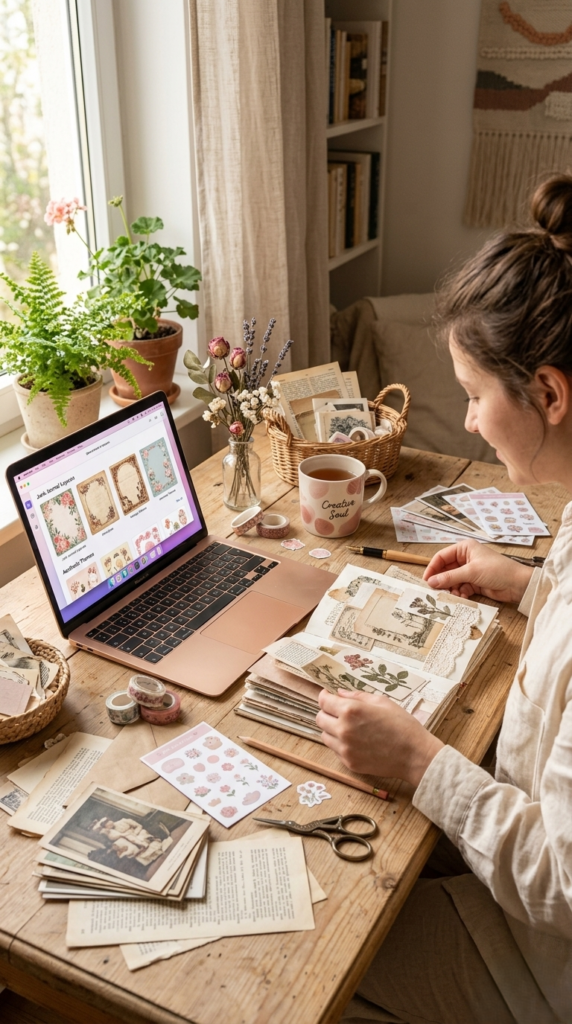
But honestly? Most creativity comes from exposure and inspiration — not magic talent.
Professional creators use:
- references
- prompts
- mood boards
- generators
- templates
- visual inspiration
…all the time.
Nobody is pulling fully formed aesthetic concepts out of thin air daily.
So if generators help your creativity flow faster? Use them.
If prompts help you stay consistent? Use them.
If AI helps organize your ideas visually? Use it.
Because the goal isn’t proving how hard you worked.
The goal is creating beautiful things people enjoy.
And if a one-click tool helps remove creative blocks so you can finally finish projects instead of abandoning them halfway through… honestly that’s a win.
✨ FRIEND TIP:
Save your favorite generated themes in folders by aesthetic type — floral, vintage, gothic, cottagecore, neutral, seasonal, etc. Later, when you need quick inspiration, you already have a mini idea library ready.
What Becomes Possible When You Stop Guessing
This is the part people don’t realize at first.
When you stop wasting hours overthinking themes, you suddenly create more.
More journals.
More Pinterest content.
More printable kits.
More listings.
More consistency.
And consistency is usually what leads to momentum online.
Some creators are making recurring income from:
- printable journal kits
- digital ephemera
- sticker packs
- themed bundles
- journal memberships
- Pinterest traffic
Not because every design is perfect — but because they kept creating instead of staying stuck.
That’s honestly what tools like the Junk Journal Generator, the Sticker Prompt Generator, and Pincraft AI help with most:
They reduce friction.
They help ideas come faster.
They help you move from:
“I have no idea what to make…”
to:
“Ooooh wait… this theme is actually cute.”
And sometimes that’s all the momentum you need to finally finish a project ✨
Just so you know — some links in this post are affiliate links. If you grab something through my link, I may earn a small commission at no extra cost to you. I only ever share things I genuinely use or love. ✨
You’re Probably More Creative Than You Think
If you’ve made it this far, here’s what I hope you realize:
You do not need endless inspiration to create beautiful junk journals.
You just need a starting point.
A good theme generator can help remove the mental clutter. Matching sticker prompts can make your projects feel more polished. And tools like Pincraft AI can help you create Pinterest pins, titles, descriptions, and keywords quickly while keeping your content organized and easy to schedule — without making the whole process feel overwhelming.
And honestly? That’s the part I wish more creators understood sooner.
You don’t have to do everything the hard way to deserve success.
Start simple.
Generate ideas faster.
Create more consistently.
Let your creativity build from momentum instead of pressure.
And whenever you’re ready, you can check out the:
No rush though. Your creativity isn’t going anywhere ❤️
❓ FREQUENTLY ASKED QUESTIONS
Q1: What is a junk journal generator?
A junk journal generator is a tool that creates themed journal ideas, aesthetics, prompts, and inspiration automatically. It helps creators come up with cohesive journal concepts faster instead of brainstorming everything manually.
Q2: Are junk journal generators good for beginners?
Yes — honestly they’re especially helpful for beginners because they remove a lot of the overwhelm. Instead of trying to figure out themes from scratch, you can generate ideas instantly and focus on creating.
Q3: Can I use AI tools to create junk journals for selling?
Absolutely. Many creators use AI tools to help with:
- theme ideas
- sticker prompts
- aesthetic planning
- Pinterest graphics
- printable kits
You still bring your own creativity and style into the final product.
Q4: What makes a junk journal look professional?
The biggest thing is consistency. Matching aesthetics, cohesive colors, layered textures, coordinated stickers, and strong visual direction usually make journals feel more polished and intentional.
Q5: How can I create Pinterest-friendly junk journal content faster?
Using themed generators, sticker prompts, and visual AI tools can save a huge amount of time. Tools like Pincraft AI help create cohesive visuals and Pinterest-style graphics much faster than designing manually from scratch.
Try PinCraft AI Free Today
Design beautiful Pinterest pins in seconds with AI. Start your free trial — no credit card needed.

Helping creators use AI tools and Pinterest to build digital product income from home.