There are roughly a thousand AI image tools available right now. Most of them will produce something usable for a generic social post or a blog header. For junk journal pages specifically? Most of them need serious coaxing to produce anything that looks aged, handcrafted, and premium. The defaults are too clean, too bright, too obviously digital.
I’ve tested the major tools specifically for junk journal content — backgrounds, ephemera sheets, botanical illustrations, and texture fills. Here’s the honest breakdown of what each tool does well, where it falls short, and the exact prompts that get the best results.
What Makes an AI Tool Good for Junk Journals?
Junk journal pages have specific visual requirements that not all AI tools handle equally:
- Texture reproduction — aged paper, linen, foxing spots, and worn edges need to look tactile, not smooth and artificial
- Illustration style fidelity — Victorian engravings, loose watercolors, and hand-drawn botanicals are very different from photorealistic outputs
- Color palette restraint — muted, desaturated tones rather than the bright saturated defaults most tools produce
- Printable output resolution — 300 DPI minimum at intended print size, not web-quality images that pixelate when printed
Midjourney
Midjourney consistently produces the most aesthetically refined outputs of any tool right now. For junk journals, it handles texture depth, illustration style fidelity, and aged color palettes better than the competition. The outputs feel genuinely handcrafted in a way that other tools are still catching up to.
The friction is real though: it runs inside Discord, which disrupts workflow, and the free tier is no longer available. The basic subscription is $10/month. For serious Etsy sellers, the output quality justifies that investment quickly in reduced regeneration time and better-looking pages. Best for Victorian, Dark Academia, and cottagecore.
Adobe Firefly
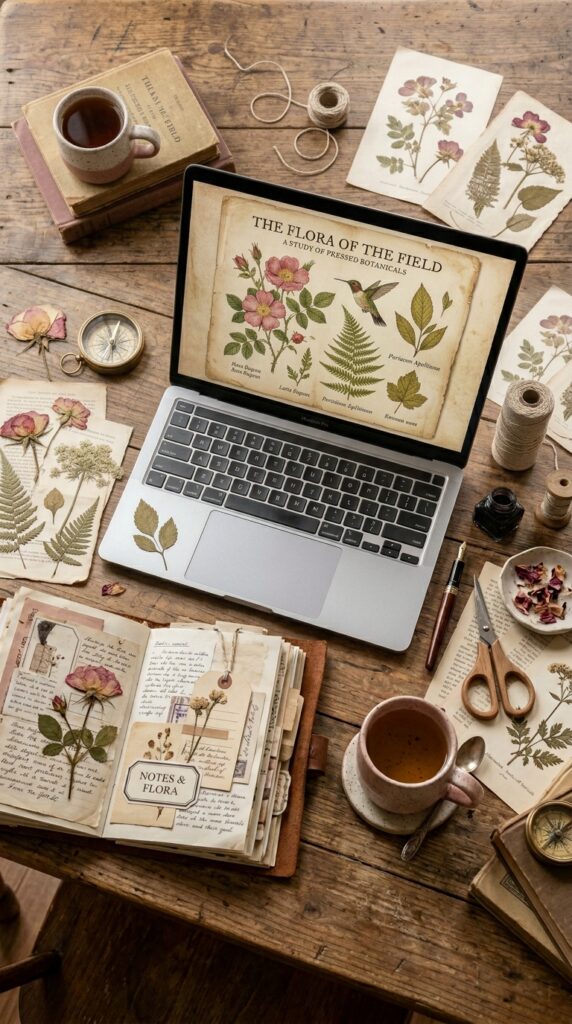
Firefly is significantly underrated for junk journal work. It handles watercolor washes, botanical illustrations, and soft cottagecore aesthetics really well. Every image comes with Adobe’s Content Credentials, meaning commercial licensing is clear from day one — no gray area for Etsy sellers who need to be confident in their usage rights.
It also integrates directly with Canva, which means you can generate a page in Firefly and immediately bring it into your Canva mockup workflow without any file downloads. Best for cottagecore, soft botanical themes, and coastal aesthetics.
DALL-E via ChatGPT
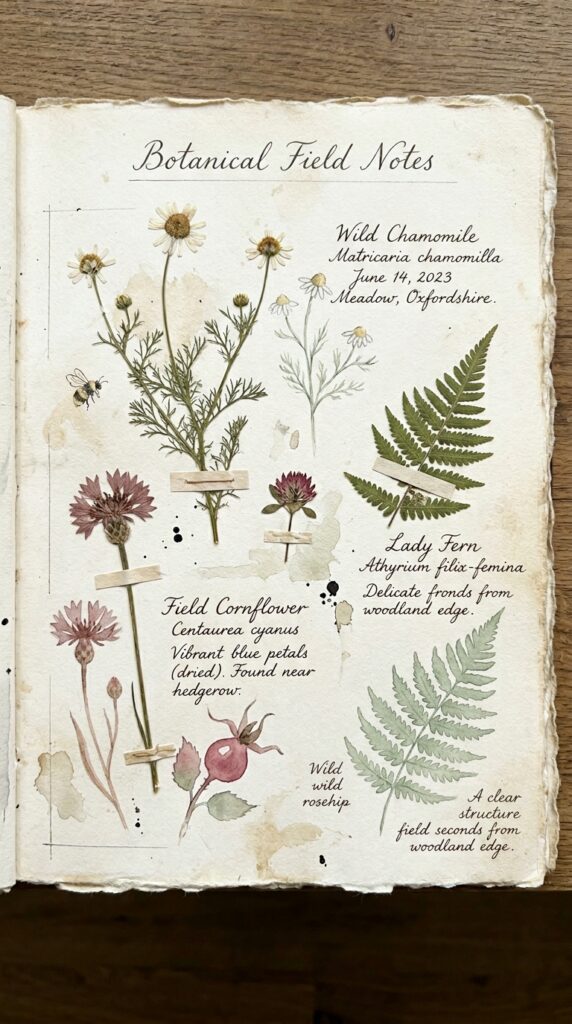
DALL‑E is the most accessible entry point — if you already use ChatGPT, you already have it. It’s improved significantly in illustration style handling. Where it consistently struggles is muted color palettes and texture depth — without specific pushback language in your prompt, it produces outputs that are brighter and cleaner than the aged aesthetic junk journal buyers expect.
The fix is to explicitly describe what you don’t want: ‘muted, desaturated tones’ and ‘aged worn texture’ rather than relying on the aesthetic label alone. Best for beginners who want to start immediately without a new subscription.
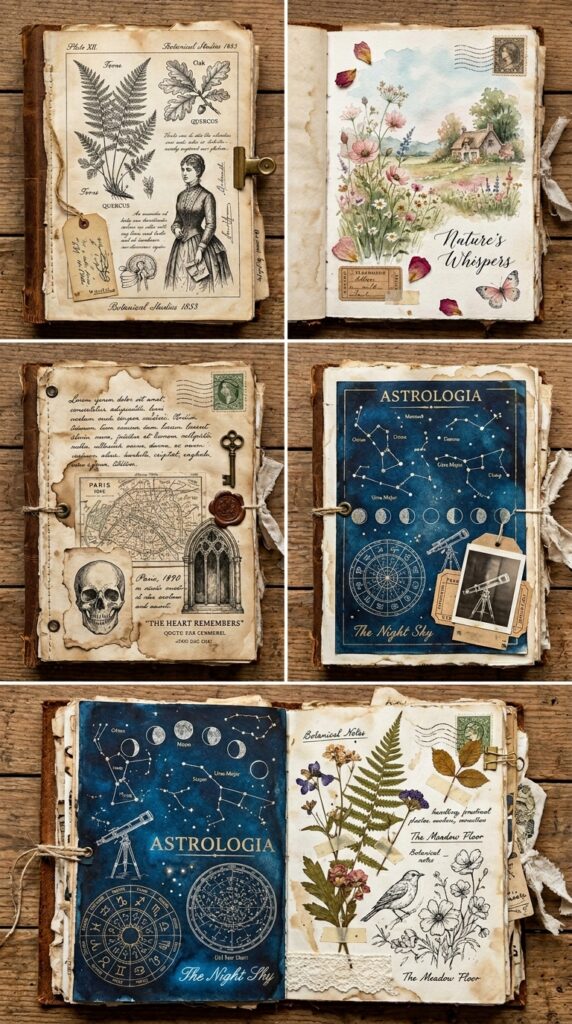
Vintage ephemera tags on aged parchment, hand-drawn botanical labels, wax seal, antique postal stamp, Victorian ticket stub, muted sepia and cream tones, desaturated palette, worn paper texture, printable sheet layout, high resolution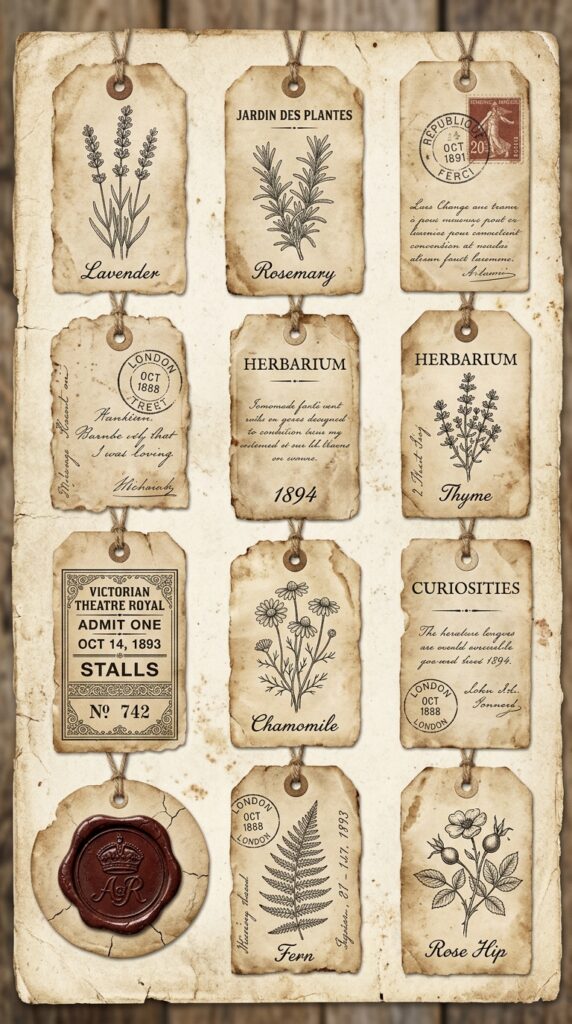
Canva AI (Magic Media)
Canva’s built-in AI generator deserves a spot on this list because of one significant practical advantage: it lives inside the same platform where you’ll build your mockup images and listing thumbnails. Generate your junk journal pages and compose your listing photos in the same session without switching tools or transferring files.
Output quality sits below Midjourney and Firefly for detailed illustration work, but for backgrounds, texture fills, and simpler botanical elements it produces very usable results. Canva Pro gives you significantly higher generation limits and access to the premium template library for mockup building — if Canva is your primary workflow tool, that upgrade makes the single-platform approach genuinely efficient.
Leonardo AI
Leonardo is the strongest free-tier option on this list. Generous daily free credits and the fine-tuned Leonardo Diffusion XL model handles vintage textures and muted palettes better than DALL‑E. The negative prompt feature is particularly useful — explicitly excluding ‘modern, digital, bright colors’ keeps outputs from drifting toward the clean aesthetic you’re trying to avoid.
The interface has more options than most beginners need, which can feel overwhelming initially. Once you find the right model setting and build a negative prompt template, it becomes a very capable free tool for high-volume creators.
The Real Variable: Prompt Quality
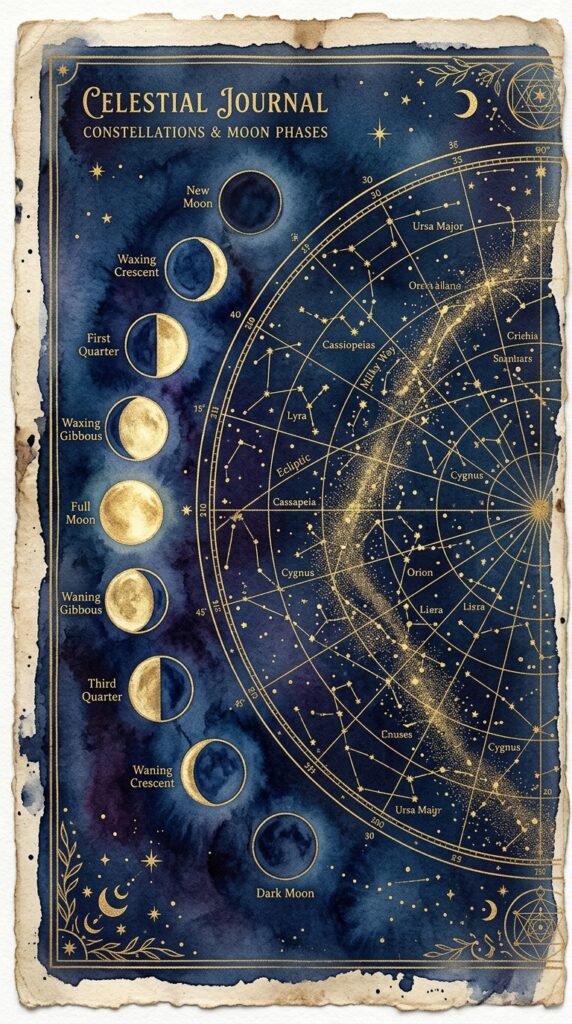
Here’s what none of these tools can fix on their own — if your prompt is vague, your output will be generic. That’s equally true whether you’re using Midjourney or a free tool. The AI generates exactly what you describe, no more. The prompts in this post work because they specify subject, art style, era, color palette, texture, and format simultaneously. That specificity is the skill.
If you want an entire prompt library organized by theme and page type — already tested, already cohesive across a full kit — that’s exactly what the Junk Journal Prompt Generator provides. It works with every tool on this list, including Canva AI.
Pick one tool from this list, learn its quirks using the prompts above, and build your prompt library from there. The tool matters less than most people assume. The prompts matter far more. Get those right and any of these tools will produce pages worth selling.
Try PinCraft AI Free Today
Design beautiful Pinterest pins in seconds with AI. Start your free trial — no credit card needed.

Helping creators use AI tools and Pinterest to build digital product income from home.