I gave myself a challenge: build a complete junk journal kit — 30 pages, one cohesive theme — in a single afternoon. No pre-made assets, no stock site searching. Just AI image generation, a clear prompt strategy, and a strict time limit.
Here’s exactly what happened: the prompts that nailed it first try, the two I had to rework three times, how I used Canva to build the listing images, and what the finished kit actually looked like.
✿ The Theme I Chose and Why
Dark Academia. One of the top-performing junk journal niches on Etsy — passionate buyers, strong Pinterest traffic, and a visual language distinct enough that cohesion is easier to maintain than with softer themes. My palette: deep burgundy, forest green, aged gold, warm cream. My anchors: books, candles, manuscripts, botanical specimens.
If you’re still deciding on your theme, our breakdown of the most profitable junk journal niches covers everything from cottagecore to coastal with price ranges and buyer psychology.
✿ Pre-Planning: The Step That Saves Hours
Before generating a single image, I mapped out exactly what the kit needed:
- 6 full-page background pages
- 6 texture and pattern fill pages
- 8 ephemera sheets with multiple elements each
- 6 decorative element pages
- 4 pocket and fold-out pages
Thirty pages with a specific job. This map became my checklist — I didn’t move on from a page type until I had what I needed.
✿ The Backgrounds: First-Attempt Results
✨ Copy-Paste AI Prompt — drop into Canva AI, Midjourney, Firefly, or DALL‑E:
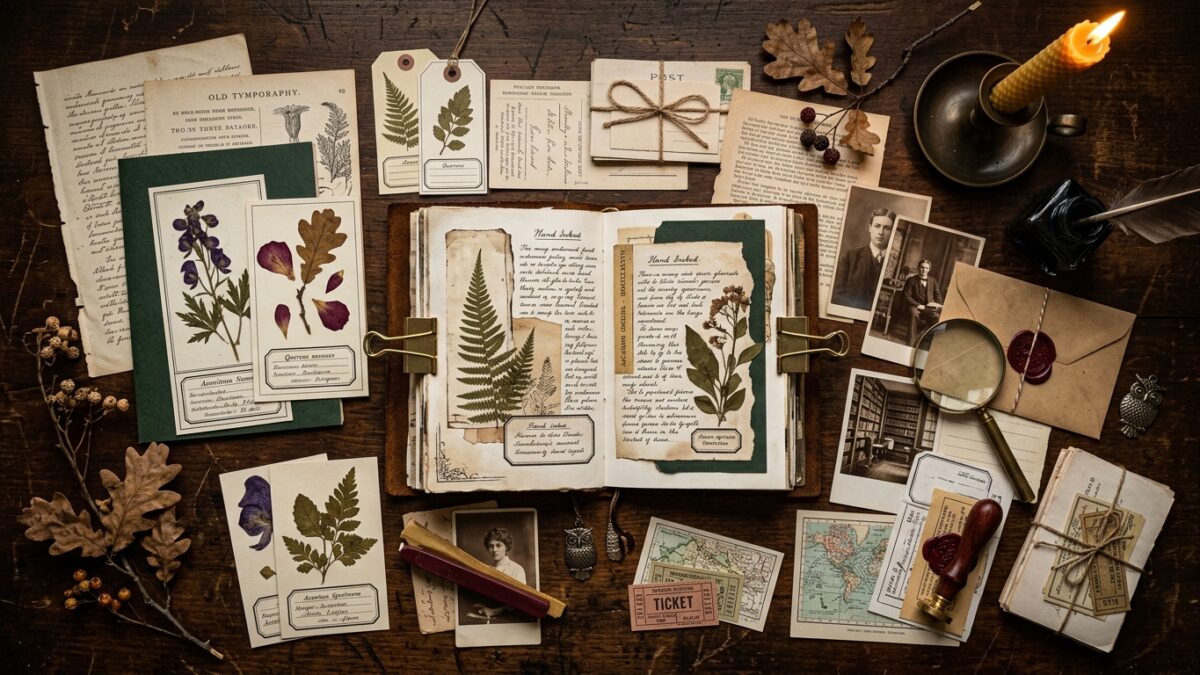
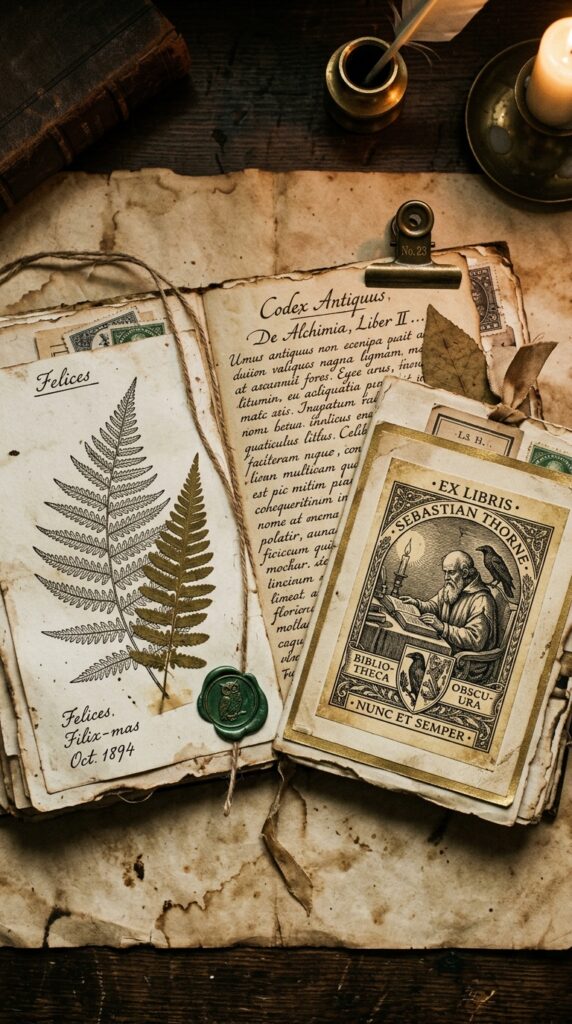
Dark academia journal background page, aged cream manuscript paper with faded Latin text overlay, scattered botanical pressed specimen illustrations, soft candlelight amber tones, worn paper edges with foxing, library aesthetic, muted forest green ink annotations, high resolution printable, portrait orientation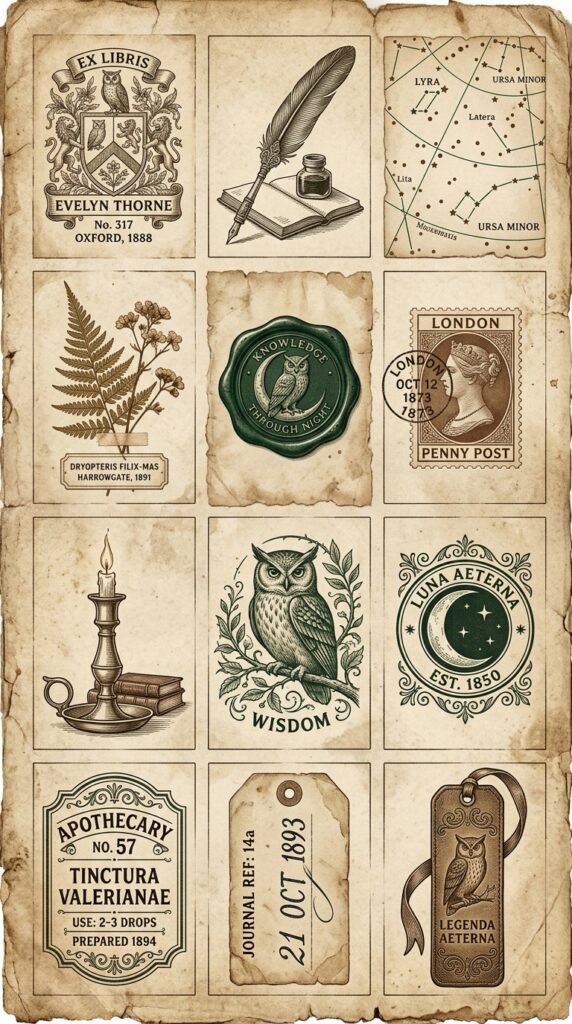
The Latin text overlay is the key detail — it immediately grounds the page in scholarly manuscript territory. Six background variations from slight modifications of this prompt. Color temperature ran too bright on two passes; adding ‘warm amber light, desaturated’ fixed it immediately.
✿ The Ephemera Sheets: Where Specificity Pays Off Most
Ephemera is where buyers examine kits most carefully. The strategy that works is listing every individual element you want explicitly:
✨ Copy-Paste AI Prompt — drop into Canva AI, Midjourney, Firefly, or DALL‑E:
Dark academia printable ephemera sheet, 12 small elements arranged on aged parchment: antique bookplate, quill pen illustration, star chart fragment, pressed dried botanical specimen, wax seal, Victorian postal ticket, candlestick silhouette, small owl illustration, crescent moon stamp, apothecary label, handwritten date tag, leather bookmark -- sepia and deep forest green, hand-engraved illustration style, high resolutionThis generated a near-perfect sheet on the first attempt. The 12 specific objects are what make it work — vague prompts produce vague ephemera.
✿ Texture Pages: Fastest Pages in the Kit
✨ Copy-Paste AI Prompt — drop into Canva AI, Midjourney, Firefly, or DALL‑E:
Aged linen texture journal page, subtle cross-hatch weave pattern, warm cream and ivory tones, slight yellowing at edges, light foxing spots, soft cloth grain, no text, clean center for writing, high resolution printable, portrait formatSix variations in about 20 minutes. Buyers love these as clean backgrounds to layer over — they’re the most flexible pages in any kit.
✿ The Cover Page: Your Hero Asset
✨ Copy-Paste AI Prompt — drop into Canva AI, Midjourney, Firefly, or DALL‑E:
Dark academia journal cover page, moody Victorian library aesthetic, leather and dark wood texture background, ornate circular medallion frame with candlelight amber glow, scattered star chart and botanical elements, deep burgundy and forest green palette, aged gold ornamental accents, highly detailed illustration, high resolution printable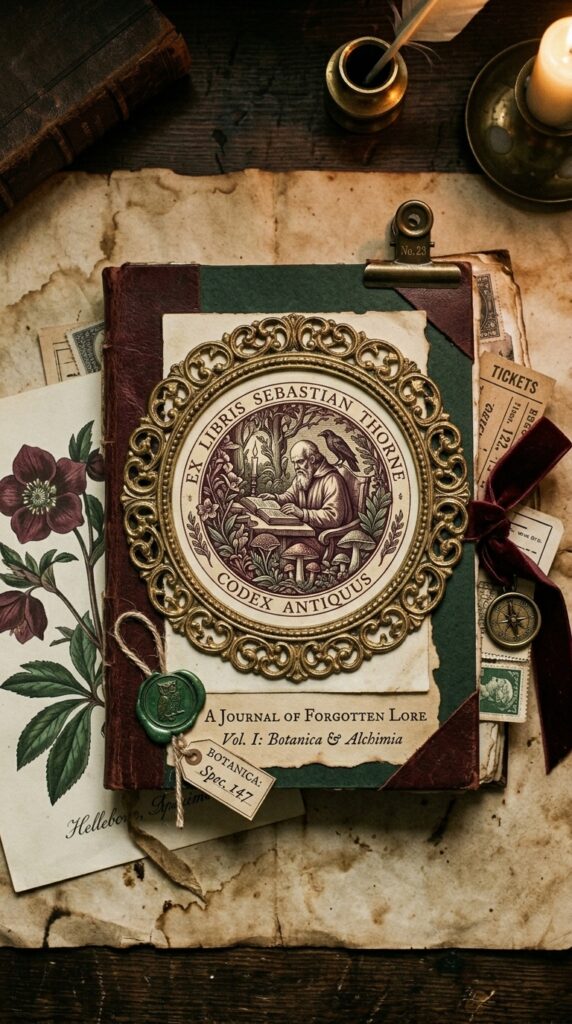
✿ Building the Listing with Canva
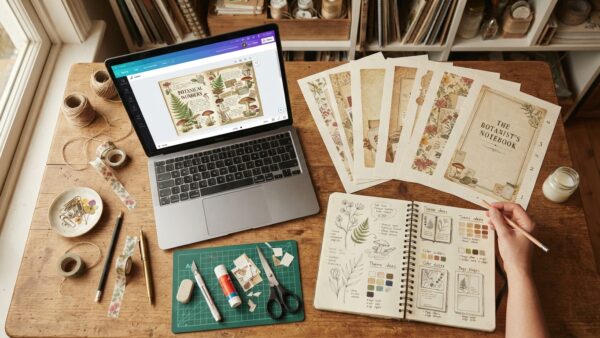
Generation phase: 3 hours for 30 pages. Listing images in Canva: 45 minutes. I used Canva Pro’s desk flatlay mockup templates, placed six of the strongest pages into the composition, and added a bold title text overlay. One generate from the cover prompt also served as my Etsy listing hero image.
✿ What I Would Do Differently
Start with an organized prompt library rather than writing every prompt from scratch. The cognitive load of maintaining cohesion across 30 prompts while evaluating outputs is the bottleneck — not the AI generation itself.
One afternoon. Thirty pages. One cohesive, Etsy-ready kit. The process is repeatable once you have a locked theme, specific prompts, and a Canva workflow for the listing images. Each kit after the first takes less time than the last.
Try PinCraft AI Free Today
Design beautiful Pinterest pins in seconds with AI. Start your free trial — no credit card needed.

Helping creators use AI tools and Pinterest to build digital product income from home.