Let me show you exactly what I use to go from blank page to complete junk journal theme in minutes rather than hours — and why the specific AI tool you use matters far less than most people assume.
The bottleneck in building junk journal kits isn’t the image generator. Any of the major tools — Canva AI, Midjourney, Firefly, DALL‑E, Leonardo — can produce beautiful pages with the right instructions. The bottleneck is always the prompts.
✿ Why Prompt Drift Happens to Everyone
You write one great background prompt. The result is exactly what you wanted. You write the ephemera prompt next and something feels slightly off — the palette drifted, the style shifted. By page 20, the kit looks like it was designed by three different people who consulted with each other loosely.
Prompt drift isn’t a creativity problem. It’s a process problem. Maintaining visual consistency across a full prompt library while simultaneously evaluating AI outputs and tracking what you’ve created is genuinely demanding. The solution is a better starting process, not more effort.
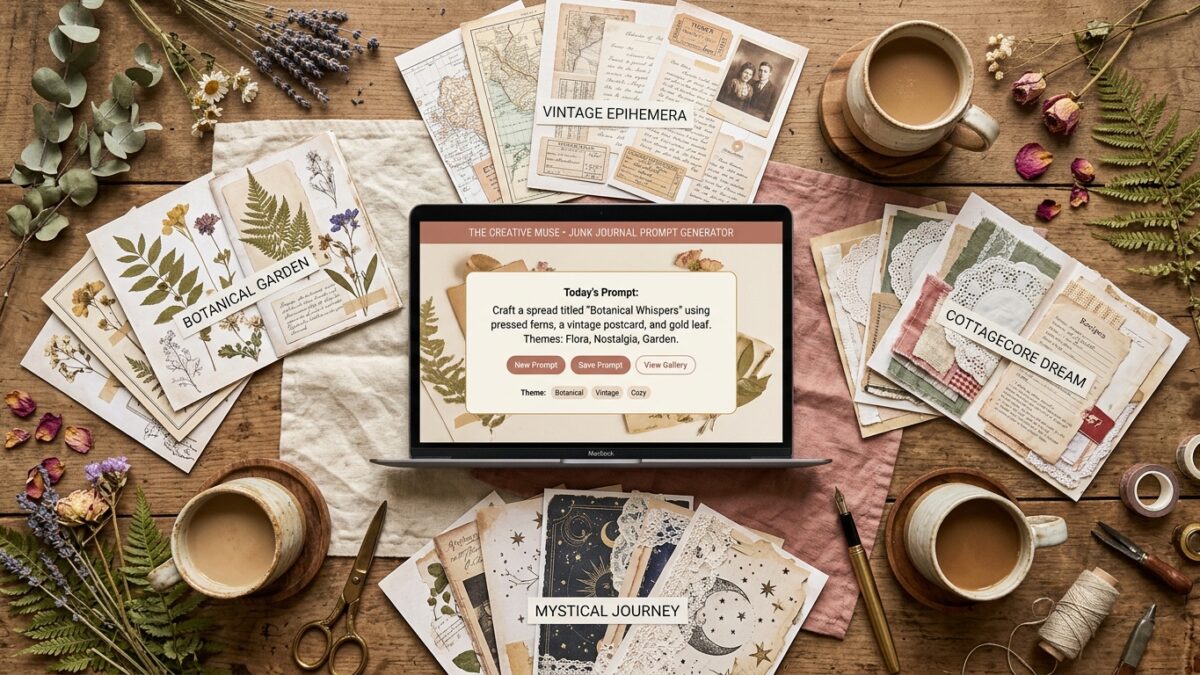
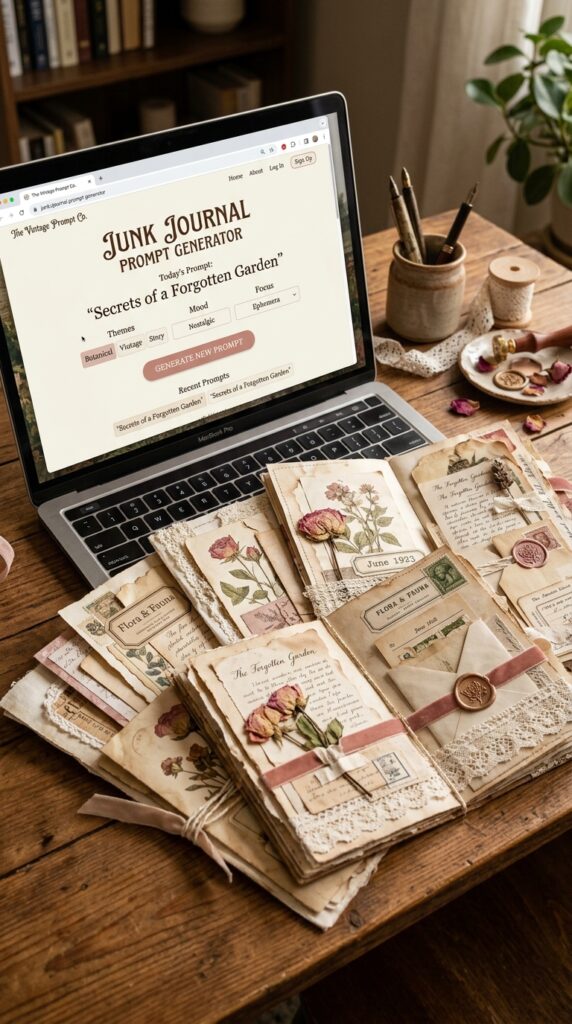
✿ What the Junk Journal Prompt Generator Studio Does
- Pre-built, theme-matched prompt libraries for every major junk journal niche
- Prompts organized by page type — backgrounds, ephemera, covers, texture fills, decorative elements
- Consistent palette and style language maintained across an entire kit’s worth of prompts
- Works with any major AI generator including Canva AI, Midjourney, Firefly, DALL‑E, and Leonardo
- Complete browser tool included — no extra downloads needed
✿ The Themes It Covers
- Cottagecore and botanical
- Dark Academia
- Victorian and Edwardian
- Celestial and mystical
- Coastal and nautical
- Paris, Butterflies, and more
- Seasonal: Christmas, Halloween, Valentine’s Day, Spring


✿ What the Output Actually Looks Like
These prompts are examples of the kind of output the studio provides. Copy any directly into Canva AI, Midjourney, Firefly, or your tool of choice:
→ Cottagecore Background Page
✨ Copy-Paste AI Prompt — drop into Canva AI, Midjourney, Firefly, or DALL‑E:
Cottagecore journal page, soft watercolor wash, pressed wildflowers and fern leaves arranged naturally on aged linen paper, muted sage green and dusty blush rose palette, hand-painted botanical illustration style, gentle paper grain texture, uneven organic edges, high resolution printable, portrait orientation→ Dark Academia Ephemera Sheet
✨ Copy-Paste AI Prompt — drop into Canva AI, Midjourney, Firefly, or DALL‑E:
Dark academia printable ephemera sheet, aged parchment background, 12 small elements: antique bookplate, quill pen illustration, star chart fragment, pressed botanical specimen, wax seal, Victorian postal ticket, candlestick, small owl, crescent moon stamp, apothecary label, handwritten date tag, leather bookmark -- sepia and deep forest green, hand-engraved style, high resolution→ Celestial Cover Page
✨ Copy-Paste AI Prompt — drop into Canva AI, Midjourney, Firefly, or DALL‑E:
Celestial junk journal cover page, deep midnight blue watercolor background, ornate gold constellation circle frame, crescent moon and scattered stars, detailed lunar calendar band at bottom, antique gold ink illustration style, aged paper texture beneath, mystical ethereal aesthetic, high resolution printable portrait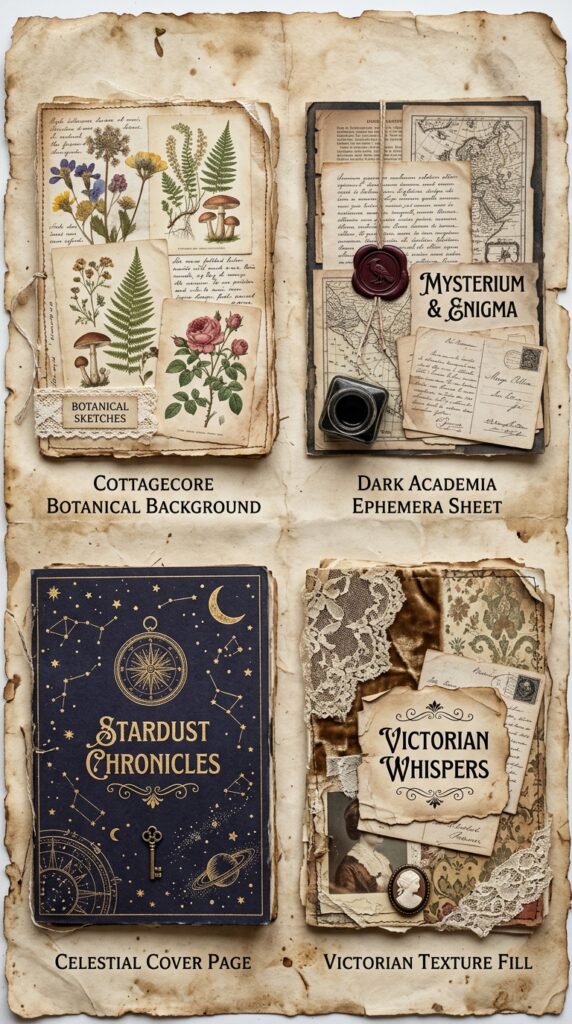
✿ Using the Prompts in Canva
Every prompt above works directly inside Canva AI (Magic Media). Generate junk journal pages and build your Etsy listing mockups in the same session without switching tools. Canva Pro gives you higher generation limits and premium mockup templates — both useful for regular kit production.
✿ The Time Math: What Actually Changes
Writing 30 cohesive prompts from scratch typically takes 60–90 minutes for someone experienced, longer for newer creators. Starting from an organized theme library drops that to 10–15 minutes of reviewing and customizing. The generation time stays the same — but the prompt preparation phase and the number of failed generates that need regenerating both drop significantly.
Over a series of kits, this compounds. Saving 60 minutes per kit means an extra kit per month in recovered time — which at a modest $10 average price adds meaningfully to monthly revenue without any additional marketing.
✿ A Simple Workflow: Prompt to Listed Kit
- 15 min — Pick your theme, review prompts by page type, customize palette
- 2–3 hrs — Generate each page type, evaluate outputs, regenerate misses
- 30–45 min — Build listing mockup images in Canva
- 20 min — Write Etsy title, description, and tags
- 10 min — Upload files, set price, publish
For the full step-by-step walkthrough of that process, see our guide on how to create a junk journal kit with AI.
✿ Who This Is For
- Etsy sellers who want to launch or expand their junk journal shop without blank-page startup overhead
- Creators who know how to use AI tools but spend more time writing prompts than generating pages
- Anyone building their first kit who wants to skip the trial-and-error phase
For AI-generated sticker sheets to bundle with your kits — stickers are consistently strong Etsy bundle additions — the AI Sticker Prompt Studio applies the same organized approach to sticker creation.
The pages are waiting. The prompts are organized. Pick your theme, paste into Canva AI or whichever tool you prefer, and see what comes back. The only remaining step is the one you actually take — and that first kit teaches you everything the planning phase can’t.
Try PinCraft AI Free Today
Design beautiful Pinterest pins in seconds with AI. Start your free trial — no credit card needed.

Helping creators use AI tools and Pinterest to build digital product income from home.