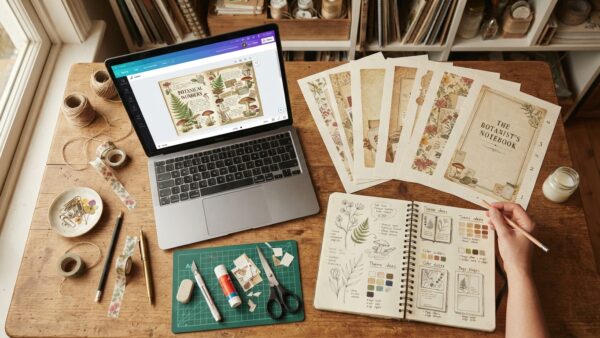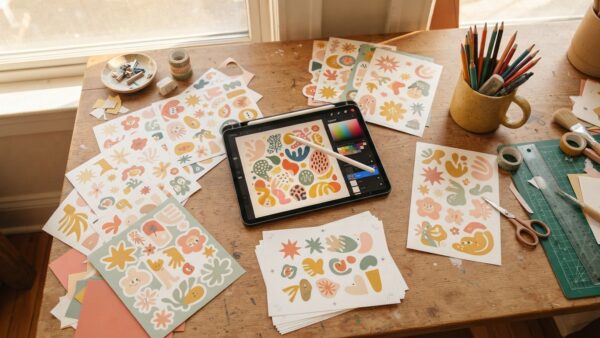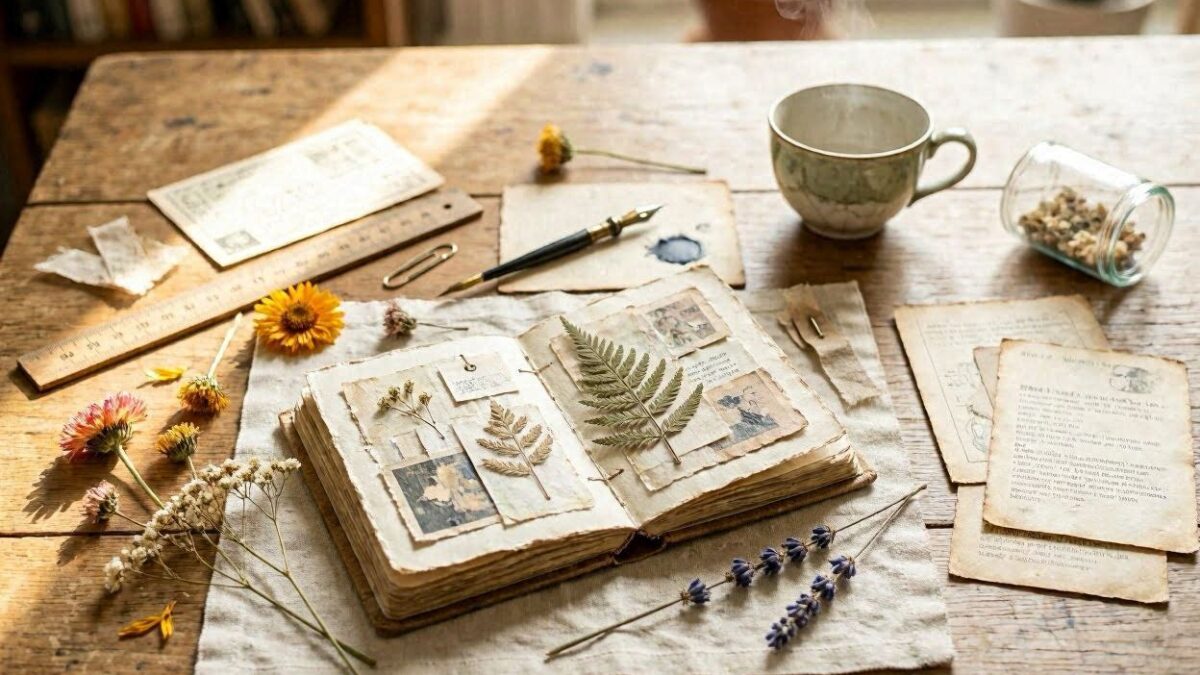
You’ve seen those gorgeous junk journal kits on Etsy — layered vintage pages, aged paper textures, botanical overlays, handcrafted ephemera. Some of them sell for $8–$15 and move hundreds of units a month. The thing most sellers don’t advertise? A lot of them aren’t spending days hand-scanning vintage books. They’re using AI to generate every page — and the results look genuinely stunning.
This is the full step-by-step breakdown of how to build a junk journal kit with AI, from picking your theme to having an Etsy-ready product. No design degree. No expensive software. No scanner. Just a clear strategy and the right prompts.
What Actually Goes Into a Junk Journal Kit?
Before you open any AI tool, you need to know what buyers actually expect inside a kit. Most sellers who underperform skip this research step entirely — they start generating random images and end up with a mismatched collection that doesn’t feel curated. Knowing the anatomy of a kit before you build one means every generate you run has a specific purpose.
A solid junk journal kit typically includes:
- Background pages — aged paper, watercolor washes, lined or dot grid textures that serve as the base layer for journaling
- Ephemera sheets — tags, tickets, botanical labels, small illustrations buyers cut out and layer over their pages
- Decorative elements — florals, stamps, wax seals, butterflies, corner pieces
- Pocket or fold-out pages — functional elements buyers love for tucking cards and small notes
- Cover pages — title pages that set the tone and visual identity for the entire kit
Most kits include 20–60 pages. The key phrase to hold onto: cohesive variety. Not random variety. Not maximum volume. A curated world that feels intentional. That’s what the bestselling kits have in common, regardless of theme.
Step 1: Lock Your Theme Before You Generate Anything
This is where the majority of beginners go wrong. They start generating whatever looks appealing in the moment and end up with a collection that looks like a craft store sale bin — individually beautiful pages that share no visual language. Pick ONE theme and commit to it completely before writing a single prompt.
Some of the best-performing themes right now:
- Cottagecore — wildflowers, bees, soft greens, dusty yellows, natural linen textures
- Dark Academia — manuscripts, candles, books, deep burgundy and forest green
- Victorian Garden — ornate roses, scrollwork frames, sepia tones, hand-engraved illustrations
- Celestial — moons, constellation maps, lunar calendars, midnight blues and antique gold
- Coastal — sea glass, shells, nautical maps, weathered driftwood
Once you pick your theme, your color palette follows. Lock 2–3 specific colors and reference them in every prompt. Think of yourself as a set designer — every page needs to feel like it belongs in the same story, the same world.
Step 2: The Prompt Formula That Gets Real Results
Your page quality lives and dies with your prompts. Here’s the formula:
[Subject] + [Art Style] + [Era or Aesthetic] + [Color Palette] + [Texture Details] + [Format]
The more specific you are, the more the output looks handcrafted rather than generic. These are ready to copy and paste into Canva AI, Midjourney, Firefly, or DALL‑E:
✨ Copy-Paste Junk Journal Page Prompt — drop this straight into Canva AI, Midjourney, Firefly, or DALL‑E to generate this style of page for your kit:
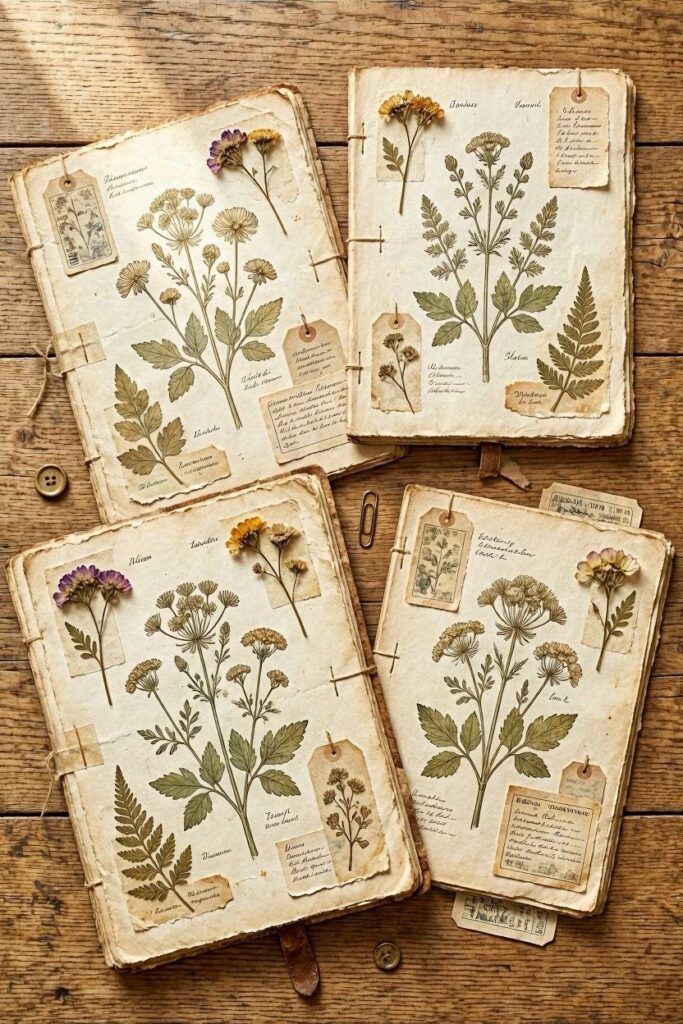
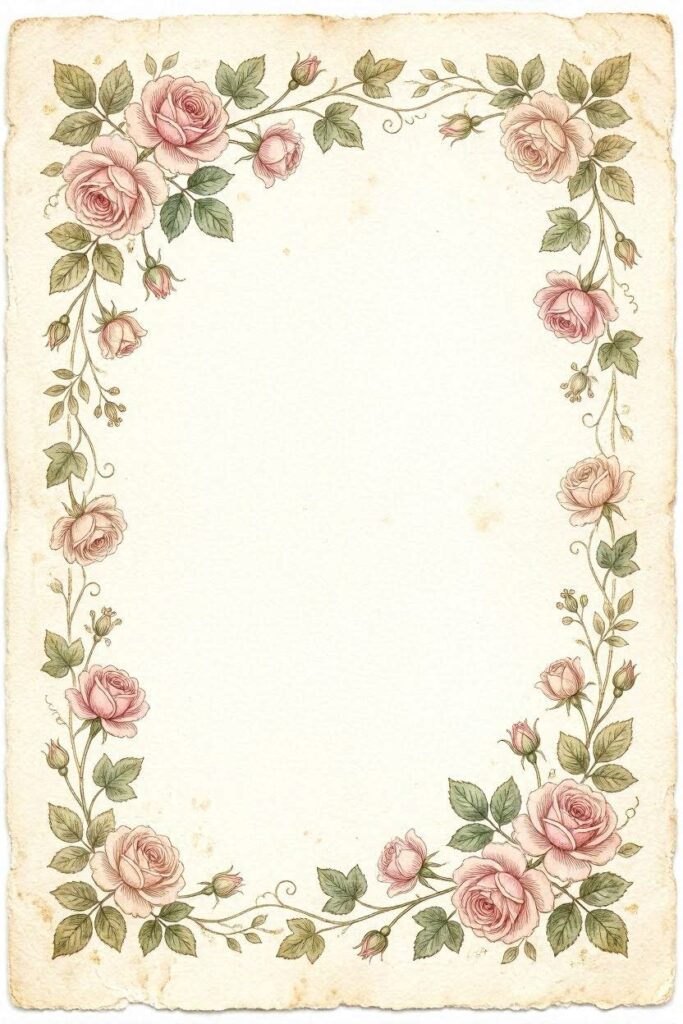
Aged cream watercolor paper, hand-painted botanical border with pink roses and trailing ivy, Victorian illustration style, soft sepia and blush pink palette, worn paper edges with foxing spots, scanned vintage manuscript texture, high resolution printable, portrait orientation✨ Copy-Paste Junk Journal Page Prompt — drop this straight into Canva AI, Midjourney, Firefly, or DALL‑E to generate this style of page for your kit:
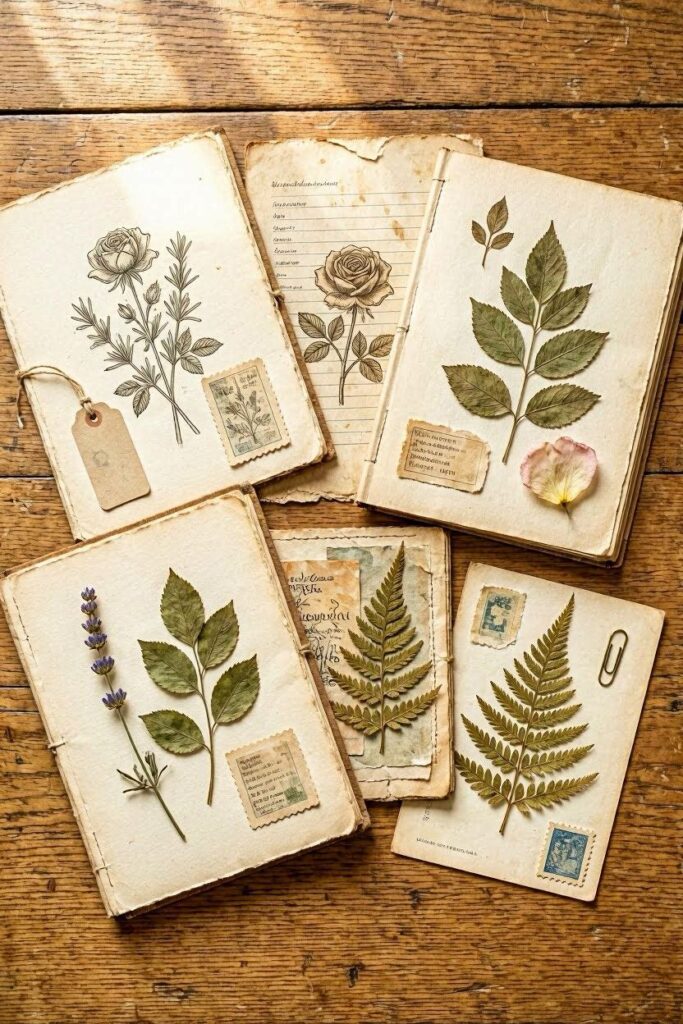
Set of small vintage Victorian ephemera tags and labels, hand-engraved botanical style, aged parchment background, rose tags, seed packet labels, butterfly specimens, antique postage stamp, wax seal illustration, arranged as printable sheet, cream and aged gold palette, high resolution✨ Copy-Paste Junk Journal Page Prompt — drop this straight into Canva AI, Midjourney, Firefly, or DALL‑E to generate this style of page for your kit:
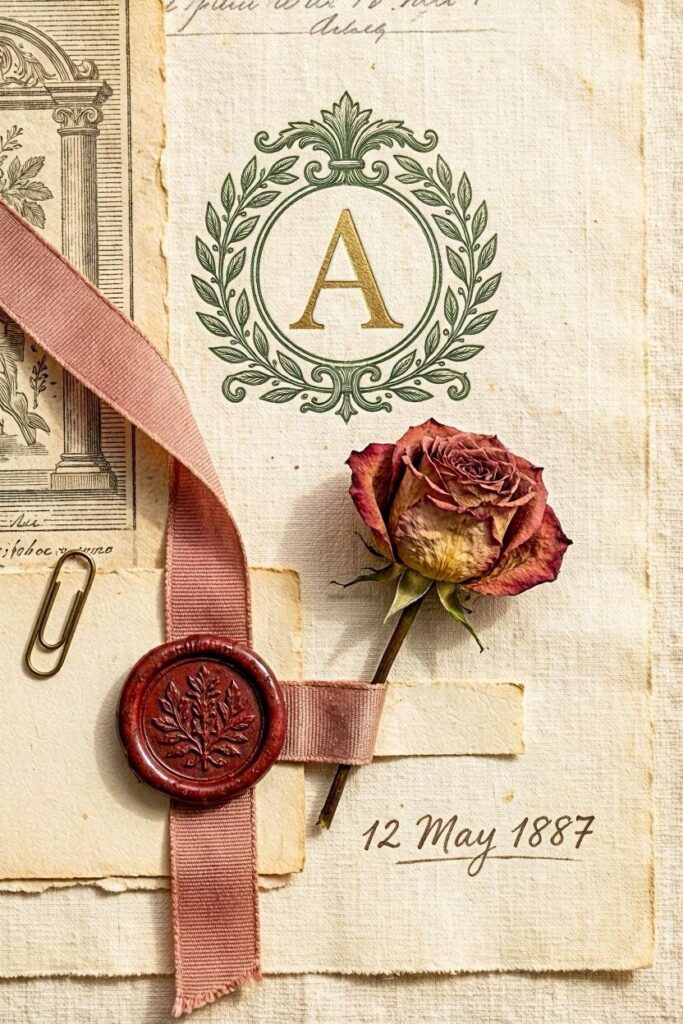
Victorian ornamental elements collection: ornate wax seal, aged ribbon, pressed dried rose, handwritten date stamp, botanical monogram frame, arranged on cream linen paper, antique engraving aesthetic, muted dusty rose and hunter green palette, scrapbook layout, high resolutionThat specificity — naming the exact objects, the exact style, the exact palette — is what prevents the AI from defaulting to something generic and over-produced.
Step 3: Build for Cohesion, Not Just Volume
A 30-page kit that feels curated will outsell a 60-page kit that looks random every single time. Buyers sense cohesion even when they can’t articulate it — it’s the difference between ‘I need this’ and ‘it’s okay.’ Three rules to maintain cohesion:
- Reference your palette in every prompt — don’t assume the AI will remember your colors from the last generate
- Lock one illustration style descriptor — ‘Victorian engraving’ or ‘loose watercolor’ — never mix styles mid-kit
- Vary scale, not aesthetic — full-page backgrounds, midsize tags, and small ephemera can all live in the same kit as long as they share the same visual world
A useful test: shuffle your generated pages randomly and show them to someone who hasn’t seen your kit. Can they tell they belong together? If yes, your cohesion is working. If not, tighten your palette and style descriptors before listing.
Step 4: Use Canva to Build Professional Listing Images
This is where most new sellers leave the most money on the table. Raw AI pages dropped into a ZIP file don’t convert on Etsy. Styled listing photos do. Canva is the fastest way to build professional mockup images without any design background at all.
Search for ‘desk flatlay mockup’ or ‘journal spread mockup’ in Canva’s template library, layer your kit pages over the template, and add your kit name as a bold text overlay. Twenty to thirty minutes and your listing looks like a professional product shoot. Canva Pro is worth upgrading to once you’re listing regularly — the premium mockup templates, particularly the tablet and journal display options, make a visible difference in listing photo quality.
You can also generate junk journal pages directly inside Canva using Canva AI (Magic Media) if you prefer a single-platform workflow. Paste your prompts into Magic Media, generate, and build your mockup in the same session without switching tools.
Step 5: Package and List on Etsy
Three things done well determine whether your listing converts: the thumbnail, the title, and the description.
For your thumbnail: use your Canva mockup showing pages styled naturally on a surface. One hero page front and center, others visible around it. Avoid plain white backgrounds — they read as low-effort at thumbnail scale.
For your title: lead with what buyers actually search. ‘Cottagecore Junk Journal Kit Digital Download | 25 Vintage Pages | Botanical Journal Printables’ works. ‘My Beautiful Botanical Collection’ doesn’t — nobody types that.
For your description: answer every question a buyer might have before they need to ask it. Page count, file format, dimensions, how to download, what the license allows. Buyers who have unanswered questions don’t ask — they leave.
The Shortcut That Handles the Prompts for You
Getting genuinely good at AI prompts takes practice. The formula above works, but there’s a real gap between knowing the formula and executing it consistently across 30+ pages without your kit drifting in palette or style halfway through. The cognitive load of maintaining cohesion while evaluating outputs and regenerating adds up fast.
That’s exactly what the Junk Journal AI Prompt Generator solves. Pick your theme, pick your aesthetic, and it hands you ready-to-use prompts for every page type — backgrounds, ephemera, covers, textures, decorative elements — all coordinated and cohesive. You skip the blank-page problem and go straight to generating.
Building a junk journal kit with AI is 100% doable from zero design experience. Lock your theme, write specific prompts, keep your palette consistent, use Canva to make your listing images look premium, and get it listed. Start with 25 pages. Let real buyer feedback tell you what to build next.
Try PinCraft AI Free Today
Design beautiful Pinterest pins in seconds with AI. Start your free trial — no credit card needed.

Helping creators use AI tools and Pinterest to build digital product income from home.