
Not long ago, “selling on Etsy” meant making something with your hands — jewelry, candles, ceramics. And while those shops still absolutely exist, there’s a quieter category of Etsy seller that requires no physical product, no shipping, no inventory, and — here’s the part that surprises people — no design degree.
Digital downloads on Etsy work like this: you create a file (a planner, a worksheet, a budget template, a wall print), list it for sale, and when someone buys it, Etsy automatically delivers the file to them. You never touch anything. You never ship anything. The file can sell 1,000 times without you doing any additional work after the initial creation. That’s genuinely what passive income means.
The part that trips people up is the design skills question. If you’ve looked at successful Etsy digital shops and thought “I could never make anything that looks like that” — this post is specifically for you. Because you can. And it’s not as complicated as it looks from the outside.
The Design Skills Myth (And Why It’s Keeping You Stuck)
Here’s what most people believe: to sell digital products on Etsy, you need to be a graphic designer. You need Photoshop, Illustrator, a design degree, an eye for typography, years of practice. This belief is the reason most people never start. And it’s also largely not true.
The digital products that sell best on Etsy are not the most beautifully complex ones — they’re the most immediately useful ones. A clean weekly meal planner that helps someone actually plan their meals. A teacher’s classroom behavior chart that saves an hour of prep time. A simple budget tracker that someone will actually open and use. Those sell because they solve a specific problem, not because they’re visually sophisticated.
The tools available right now — including Canva (free) and AI-powered tools like PinCraft AI — have dramatically lowered the design skill floor. What used to require professional software and training now takes less than an afternoon to produce at a quality level that sells. The playing field has genuinely shifted.
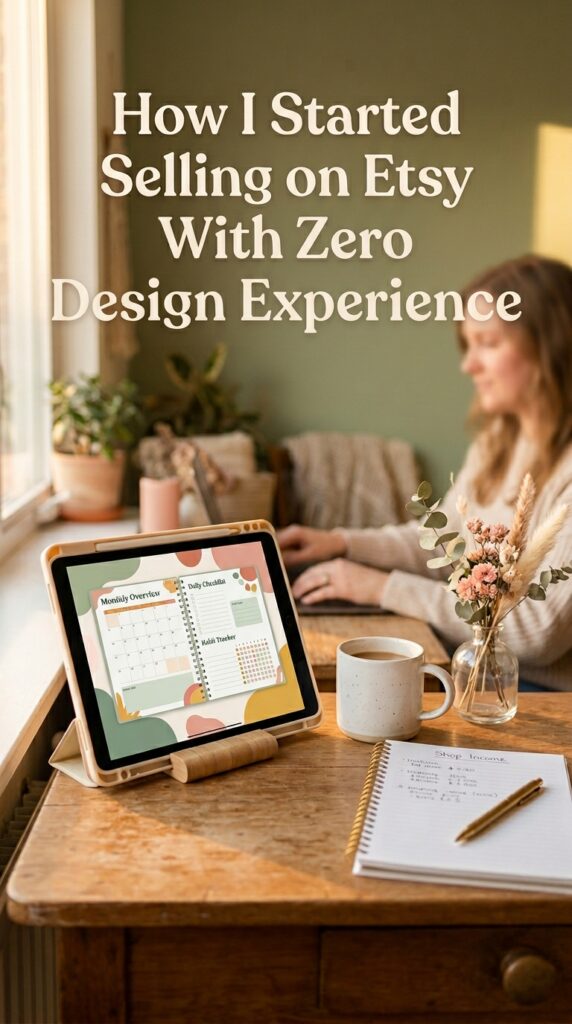
Step-by-Step: How to Sell Digital Products on Etsy From Scratch
Step 1 — Choose a Specific, Searchable Niche
The biggest mistake new Etsy sellers make is being too broad. “Printables” is not a niche. “Budget planner for beginners” is a niche. “Kindergarten sight word flashcards” is a niche. “Meal prep grocery list for families” is a niche. The more specific you are, the less competition you face and the more clearly your ideal buyer can find you. Spend time searching Etsy before you create a single product — look for search terms with reasonable demand and manageable competition.
Step 2 — Create Your First Digital Product
Start with one product and do it well. For people without design experience, Canva is the most accessible starting point — their template library is large, and customizing an existing template requires no design knowledge at all. For people who want to go further, PinCraft AI helps you create Pinterest-ready visuals and marketing assets alongside your products, which becomes important when you start driving traffic. Most first digital products take 2–4 hours to create from scratch.
Step 3 — Export as a PDF (or the Right File Type for Your Niche)
PDFs are the most common file type for printable digital products on Etsy — they’re universally accessible and maintain formatting across devices. For templates (like Canva templates), you’ll share a link to your Canva template rather than a file. For spreadsheet-based products, an Excel or Google Sheets link works. Make sure your file is clean, error-free, and looks exactly as intended before you list it.
Step 4 — Set Up Your Etsy Shop
Opening an Etsy shop takes about 30 minutes. You’ll need a shop name, a banner image, a brief bio, and your payment and billing information. Name your shop something memorable and specific to your niche if possible. Your shop banner and logo don’t need to be elaborate — a clean, consistent design in 2–3 colors is more than enough to look professional.
Step 5 — Write a Listing That Etsy Can Find
Etsy is a search engine, and your listing title and tags are how people find you. Research the exact phrases your ideal buyer is searching — use Etsy’s search bar (the suggestions that appear as you type are real search terms), and include those phrases in your title, description, and tags. A good listing title for a printable planner might be: “Weekly Meal Planner Printable PDF | Grocery List | A4 + US Letter | Minimalist Kitchen Planner.” Descriptive, keyword-rich, and completely clear about what the buyer is getting.
Step 6 — Drive Traffic With Pinterest
Etsy has its own internal search, but the sellers who build consistent passive income are almost always also using Pinterest. Pinterest drives an enormous volume of traffic to Etsy shops — especially for printables, planners, and educational resources. Create a pin for each product (portrait format, 1000x1500px, with a clear text overlay of what the product is and who it’s for), and pin consistently.
If Pinterest marketing feels like its own overwhelming topic — it is, a little, but it doesn’t have to be. PinCraft AI is honestly what I’d point you to if you want to create optimized Pinterest content for your Etsy shop without spending hours on it. It generates SEO titles, descriptions, and visual prompts for your pins in batches — so instead of writing 20 individual pin descriptions manually, you get them created all at once. It also tracks your URLs to prevent Pinterest’s spam detection from flagging repeated links. For people building a digital product business on Pinterest, it removes a significant amount of the manual work. You can check it out at buy.pincraftai.com — no pressure at all, but it’s genuinely one of the better finds I’ve come across for this specific use case.
Step 7 — Review, Refine, and Add More Products
After your first product has been live for a few weeks, look at your Etsy stats — how many views, how many favorites, how many sales. Views with no sales usually indicates a listing or pricing issue. Very few views usually indicates an SEO issue (your listing isn’t being found). Add products in the same niche over time — shops with 20–30 listings consistently outperform shops with 3–5, partly because more listings means more entry points for buyers to discover your shop.
What Sells Well on Etsy as a Digital Product
These categories consistently perform well for digital downloads on Etsy: printable planners and trackers, educational worksheets and activities (especially for teachers and parents), budget and finance templates, wedding and event printables, wall art and quote prints, resume and cover letter templates, social media templates, and Canva template kits. The sweet spot is a specific, useful product in a niche with consistent search demand.
The 2026 Pinterest Viral Blueprint is also worth grabbing if you’re planning to use Pinterest as your primary traffic source — it covers the strategy side of building a Pinterest presence that actually drives Etsy traffic, and it’s specifically designed for digital product sellers.
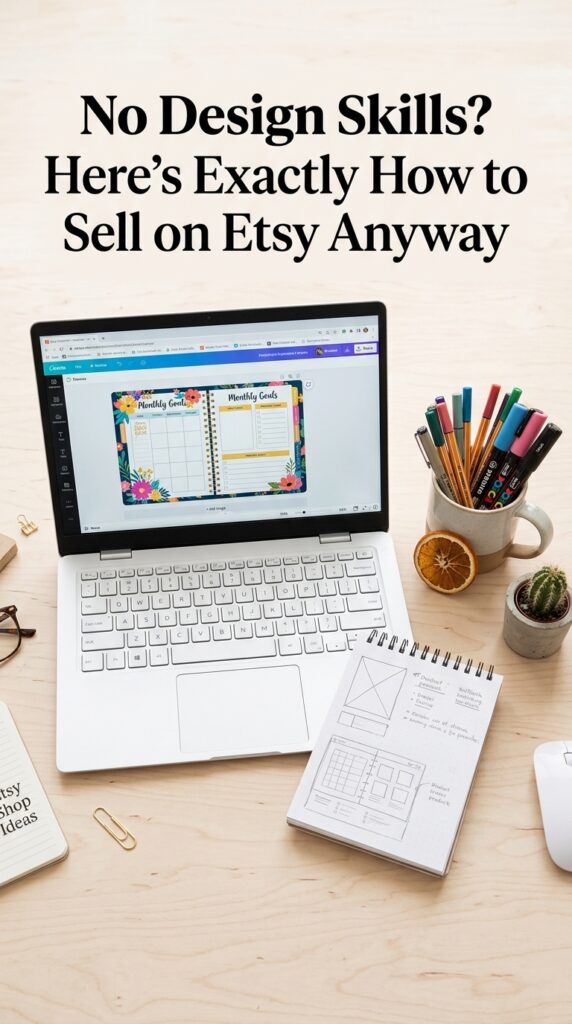
What It Looks Like When It’s Working
Imagine waking up on a Tuesday morning and checking your phone before you’re fully awake — and there are three sale notifications from overnight. Someone in another timezone bought your worksheet at 2am. Someone else found your planner through a Pinterest pin you created two months ago. The file delivered automatically. You did nothing. That’s the moment people who sell digital products are describing when they talk about passive income — and it’s genuinely real.
Getting there takes a few weeks of consistent effort upfront. Creating the product, writing the listing, setting up Pinterest, pinning regularly. But the ceiling on this model is much higher than most people realize. Some sellers are making $500–$2,000 a month from a handful of digital products they created in a few weekends. Others have scaled into full-time income. None of them had design degrees when they started.
The 2026 Pinterest Viral Blueprint is a good place to start if you want the Pinterest piece of this laid out clearly. And PinCraft AI handles the ongoing Pinterest content creation once you’re up and running. Whenever you’re ready to start — the tools are there.
Frequently Asked Questions
Can you sell digital products on Etsy with no design experience?
Yes — and many of the most successful Etsy digital shops were started by people with no formal design background. Canva’s free template library allows complete beginners to create professional-looking products by customizing existing layouts. The key is choosing a niche where the value is in the usefulness of the product, not its visual complexity. Clean, functional, and specific always sells better than complicated and generic.
What digital products sell best on Etsy?
Printable planners, educational worksheets, budget trackers, wall art, wedding printables, resume templates, and Canva template kits are among the consistently strong performers. Products that solve a specific, searchable problem — meal planning, classroom management, weekly budgeting — tend to outperform generic designs because buyers find them through intentional searches rather than browsing.
How much money can you make selling digital products on Etsy?
Income varies enormously. A new shop with 5–10 listings might generate $100–$300/month in its first few months. Established shops with 30+ listings, strong SEO, and Pinterest traffic can generate $1,000–$5,000+/month. The passive income nature of digital products means that income compounds over time as you add more products and your Pinterest traffic grows. It’s not overnight, but the ceiling is genuinely high.
Do I need to pay for Canva Pro to create digital products for Etsy?
No — Canva’s free plan is sufficient for most digital product creation, especially when you’re starting out. The free library includes thousands of templates across planner, worksheet, and print categories. Canva Pro (currently around $13/month) unlocks additional templates, a background remover, and brand kit features, but it’s not necessary to get your first products created and listed.
How long does it take to start making sales on Etsy?
With active Pinterest promotion, it’s realistic to see your first sale within 1–2 weeks of listing. Without external traffic, Etsy’s internal search takes longer to surface new listings — typically 4–8 weeks before Etsy’s algorithm starts showing your listings regularly. The sellers who get traction fastest are the ones who create Pinterest content for their products from day one rather than waiting for Etsy’s organic search to kick in.
Try PinCraft AI Free Today
Design beautiful Pinterest pins in seconds with AI. Start your free trial — no credit card needed.

Helping creators use AI tools and Pinterest to build digital product income from home.